
The rapid evolution of autonomous artificial intelligence coding assistants, such as Anthropic’s Claude Code and OpenAI-powered Codex models, has fundamentally transformed software engineering workflows. Developers can now delegate complex, multi-file tasks—ranging from expansive feature implementations to nuanced bug fixes—to AI agents capable of operating independently over extended periods without direct human supervision. This paradigm shift has unlocked a new level of productivity, enabling individual developers to theoretically oversee multiple concurrent coding tracks. However, this multi-agent operational model has simultaneously exposed a critical architectural bottleneck in standard version control workflows: when multiple autonomous agents operate within the same local repository folder simultaneously, they inevitably overwrite each other’s modifications, creating catastrophic merge conflicts and data loss.
For years, Git has possessed a native, albeit underutilized, mechanism designed precisely for this isolation challenge: git worktrees. A Git worktree enables a developer to attach multiple separate working directories to a single underlying Git repository. Consequently, distinct branches can exist within their own independent file system folders concurrently, allowing an AI agent or a human developer to modify code on one branch without interfering with files on another. Despite their utility, Git worktrees have historically suffered from notoriously clunky, unintuitive syntax. Initializing a new worktree traditionally requires redundant commands, forcing users to type branch names multiple times while managing fragile relative directory paths. Cleaning up these directories post-merge demands an equally cumbersome sequence of explicit terminal instructions. For engineers orchestrating several context switches and parallel agent runs daily, the administrative friction of native Git worktrees quickly becomes an unsustainable productivity tax.
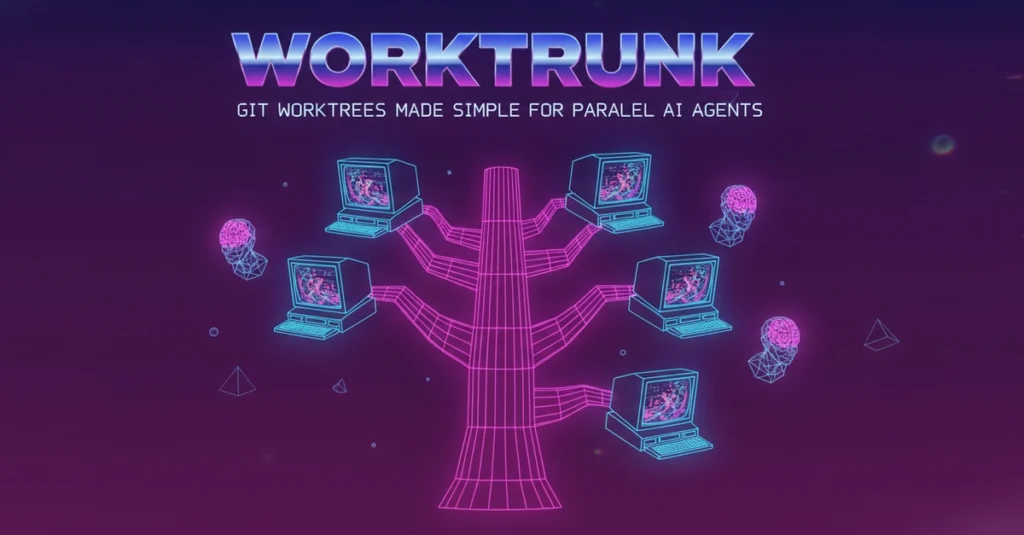
Enter Worktrunk, an open-source command-line utility written in Rust that launched at the beginning of 2026. Designed specifically to abstract away the friction of native version control worktrees, Worktrunk treats worktrees with the same ergonomic simplicity as standard Git branches. By streamlining directory management, the tool allows developers to reference everything simply by its branch name, automatically calculating and maintaining the underlying folder paths. Within weeks of its public release, the project gained rapid traction across the developer community, accumulating over 5,000 stars on GitHub and establishing itself as an essential utility for developers experimenting with agentic software development workflows.
The Architectural Limitations of Native Git Worktrees
To understand the value proposition of Worktrunk, one must examine the structural limitations of standard Git commands. In a conventional Git workflow, initializing a new isolated worktree for a feature branch involves executing a compound command such as git worktree add -b feat ../repo.feat, followed by explicitly changing directories via cd ../repo.feat. This process requires the developer to explicitly define the target directory path, manage relative navigation outside the primary repository structure, and carefully track where each isolated environment resides on the host machine’s file system.
Furthermore, when a task is completed and the worktree is no longer needed, the cleanup process is equally non-trivial. Developers must navigate back to the primary repository directory, execute git worktree remove ../repo.feat to prune the working tree, and subsequently run git branch -d feat to delete the local branch reference. When performed once or twice a week, this friction is manageable. However, in modern software engineering environments where developers frequently spin up short-lived branches to test experimental AI-generated patches, performing this multi-step dance ten times a day introduces significant cognitive overhead and disrupts creative flow.
Worktrunk’s Core Philosophy and Command-Line Ergonomics
Developed by software engineer Max-Sixty and distributed under dual MIT and Apache-2.0 open-source licenses, Worktrunk was engineered to eliminate these mechanical hurdles entirely. Written in Rust for maximum execution speed and safety, Worktrunk acts as a lightweight orchestration layer sitting directly on top of Git. It leverages a straightforward, intuitive command syntax prefixed by the shorthand wt.
The core commands implemented by Worktrunk drastically reduce the cognitive load associated with multi-branch management. For instance, switching to an existing worktree—a task that normally requires remembering or navigating a complex relative path like cd ../repo.feat—is reduced to a single, memorable command: wt switch feat. If a developer wants to simultaneously create a new branch, initialize its corresponding worktree, navigate into it, and launch an AI coding assistant, Worktrunk collapses a lengthy multi-step bash pipeline into a single unified invocation: wt switch -c -x claude feat.
Cleanup operations are similarly streamlined. Instead of manually navigating directories and executing separate pruning and deletion commands, a developer simply runs wt remove. For teams practicing local-first merging, Worktrunk provides a comprehensive wt merge command that automatically commits current changes, rebases the branch onto the main trunk, executes the merge, and cleanly removes both the worktree and the associated local branch in one atomic operation.
Installation and Setup Requirements
Adopting Worktrunk into an existing development environment is straightforward, though it requires a specific initialization step to ensure seamless terminal integration. Developers on macOS and Linux can install the tool using the Homebrew package manager via the command brew install worktrunk. Alternatively, because the tool is built in Rust, developers can install it directly from the crates.io registry using Cargo with cargo install worktrunk.
Crucially, installation alone is insufficient for full functionality. Because Worktrunk needs to programmatically alter the current working directory of the user’s active terminal shell—a capability that standard child processes spawned by command-line tools cannot inherently perform on their parent shell—users must execute the configuration command wt config shell install. This setup step injects the necessary shell hooks into the user’s profile (supporting popular shells like Zsh, Bash, and Fish), enabling the wt command to seamlessly navigate directories on behalf of the user.
Once configured, creating a new isolated workspace for a feature, such as user authentication, is as simple as executing wt switch --create feature-auth. To monitor active development tracks across the repository, developers can execute wt list, which provides a comprehensive, status-aware overview of all active worktrees and their associated branches, far surpassing the plain path-only output provided by native Git tools.
Orchestrating Parallel AI Coding Agents
The true utility of Worktrunk becomes apparent when managing multiple autonomous AI coding agents concurrently. As large language models become more reliable at executing bounded engineering tasks, developers frequently deploy multiple instances of tools like Claude Code or Codex to tackle parallel objectives within the same codebase. Without strict directory isolation, these concurrent processes would read from and write to identical files, resulting in race conditions, overwritten code, and corrupted repositories.
Worktrunk solves this by allowing developers to spin up multiple isolated worktrees instantly, assigning a dedicated AI agent to each environment via the -x execution flag. For example, a developer can initialize three separate feature tracks and immediately set independent AI agents to work on them with the following sequence of commands:
wt switch -x claude -c feature-a -- 'Add user authentication'
wt switch -x claude -c feature-b -- 'Fix the pagination bug'
wt switch -x claude -c feature-s -- 'Write comprehensive unit tests for the API'
In this architecture, the -x flag instructs Worktrunk to execute the specified command (in this case, claude) immediately after switching into the newly created worktree directory. Everything positioned after the double-dash (--) delimiter is passed directly as arguments to the spawned agent process. Because each agent operates within its own completely independent file system directory attached to a distinct Git branch, the modifications made by the authentication agent cannot physically collide with or overwrite the work being performed by the pagination bug-fix agent. Once the agents complete their respective assignments, the developer can review the isolated diffs, open pull requests, or merge the changes locally with absolute confidence.
Ecosystem Reception, Caveats, and Future Outlook
Since its public introduction in early 2026, Worktrunk has been warmly received by the developer community, particularly among early adopters of agentic software engineering workflows. Its rapid accumulation of over 5,000 GitHub stars underscores an acute, industry-wide demand for better tooling around multi-repository and multi-branch management. By bridging the gap between Git’s powerful underlying architecture and the fast-paced demands of AI-assisted development, Worktrunk has successfully removed a persistent friction point in modern software pipelines.
Despite its rapid adoption, industry analysts and early users advise maintaining realistic expectations regarding the tool’s current maturity and operational constraints. As a relatively young open-source project, Worktrunk undergoes frequent updates, meaning developers should anticipate occasional upstream changes and minor breaking updates as the API stabilizes.
Furthermore, users must account for the inherent hardware resource trade-offs associated with Git worktrees. Because every worktree maintains a distinct, full working copy of the project’s files on the host machine’s disk, developers working within massive enterprise codebases will notice a significant increase in local disk space consumption. While Worktrunk incorporates optimization features to mitigate cache duplication where possible, it cannot circumvent the fundamental storage requirements of maintaining multiple parallel directory trees.
Platform-specific quirks also warrant consideration. On Windows operating systems, the standard wt executable name conflicts directly with the built-in Windows Terminal command-line tool. To prevent namespace collisions, Worktrunk automatically installs under the alias git-wt on Windows environments unless the user explicitly overrides the configuration. Finally, software engineers who strictly adhere to a serial workflow—working on one feature branch at a time within a single directory—will find little practical need for Worktrunk, as native Git commands remain entirely sufficient for single-threaded development.
Ultimately, for the growing segment of the software engineering workforce incorporating parallel AI agents into their daily routines, Worktrunk offers a compelling, lightweight solution to version control isolation. By transforming the cumbersome mechanics of Git worktrees into a frictionless, single-command experience, Worktrunk enables developers to scale their oversight of autonomous coding agents without getting bogged down in terminal administration.