
In the fast-paced world of digital marketing, performance dips often require immediate investigation. Whether a high-traffic product page has suddenly plummeted in search rankings, a competitor has surged ahead for a primary keyword, or a landing page is failing to meet conversion benchmarks, the pressure to find answers is constant. Traditionally, diagnosing these issues would necessitate a comprehensive site crawl—a time-consuming process that can take hours or even days. However, modern SEO practitioners now have access to agile tools that allow for rapid, granular analysis without ever leaving the browser.
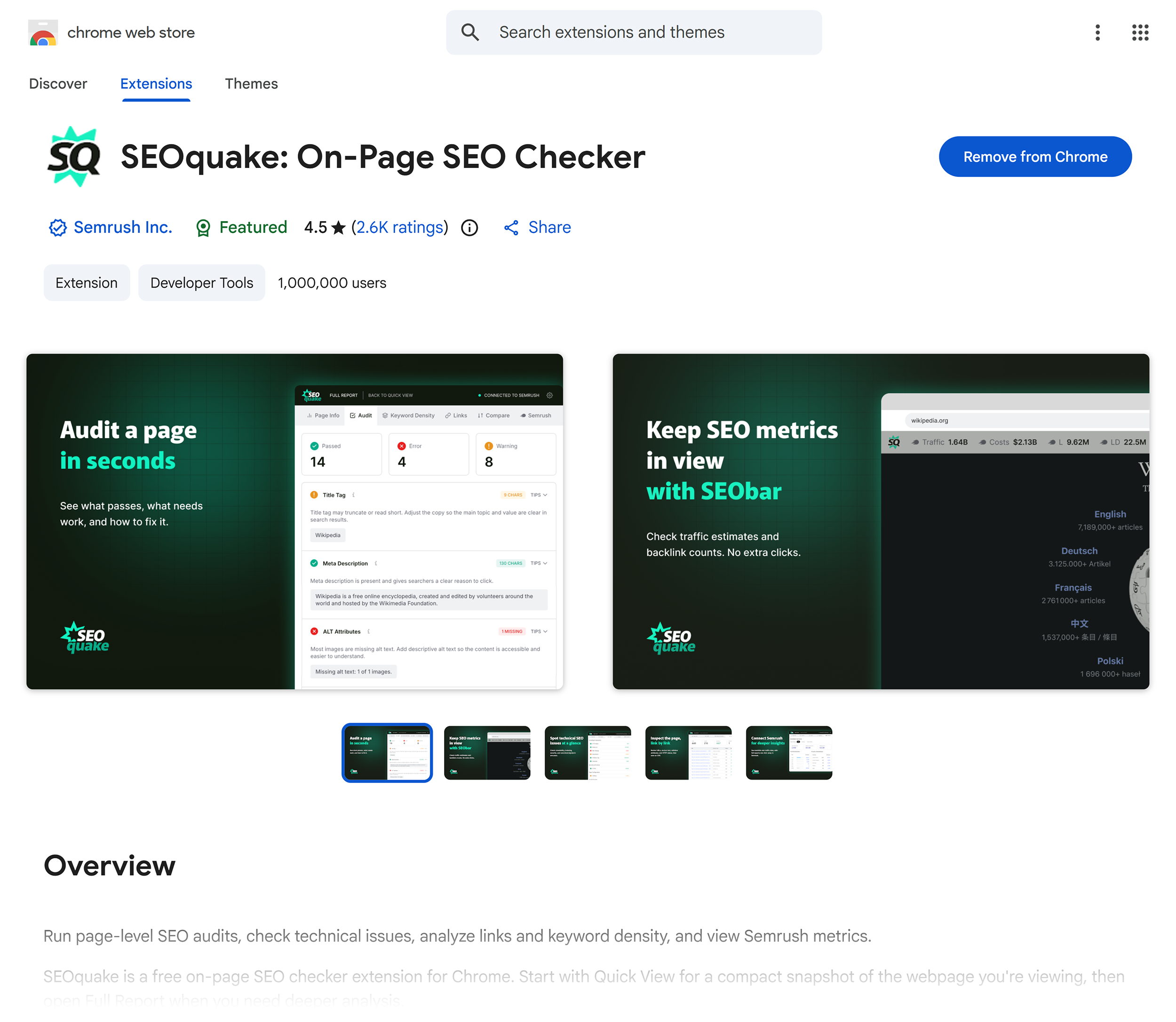
The SEOquake Chrome extension, developed by Semrush, has become a standard utility for professionals seeking to audit technical signals, on-page SEO, and link profiles in real time. By streamlining the diagnostic workflow into a three-minute process, users can transition from identifying a problem to formulating a remediation strategy with unprecedented speed.
Understanding the Mechanics of SEOquake
SEOquake functions as a diagnostic layer over the standard browsing experience. Upon installation, the extension integrates directly into the browser, allowing users to pull data on any URL they visit. The utility provides two primary methods for investigation: the "Quick View" pop-up, which offers an immediate snapshot of page health, and the "Full Report," which provides deep-dive analytics into structural and technical components.
The tool utilizes a standardized, color-coded interface to facilitate rapid decision-making. A green indicator denotes elements that align with search engine optimization best practices; orange signifies warnings that may require professional discretion based on specific site context; and red flags highlight critical issues that typically demand immediate attention, such as broken structured data or severe technical errors.
Triage: The First 60 Seconds
The initial stage of the audit is the triage phase. In one minute or less, the goal is to determine if there are obvious structural or technical failures impacting the page. The Quick View pop-up contains five distinct tabs, but the most effective workflow focuses on three: Page Info, Audit, and Content.
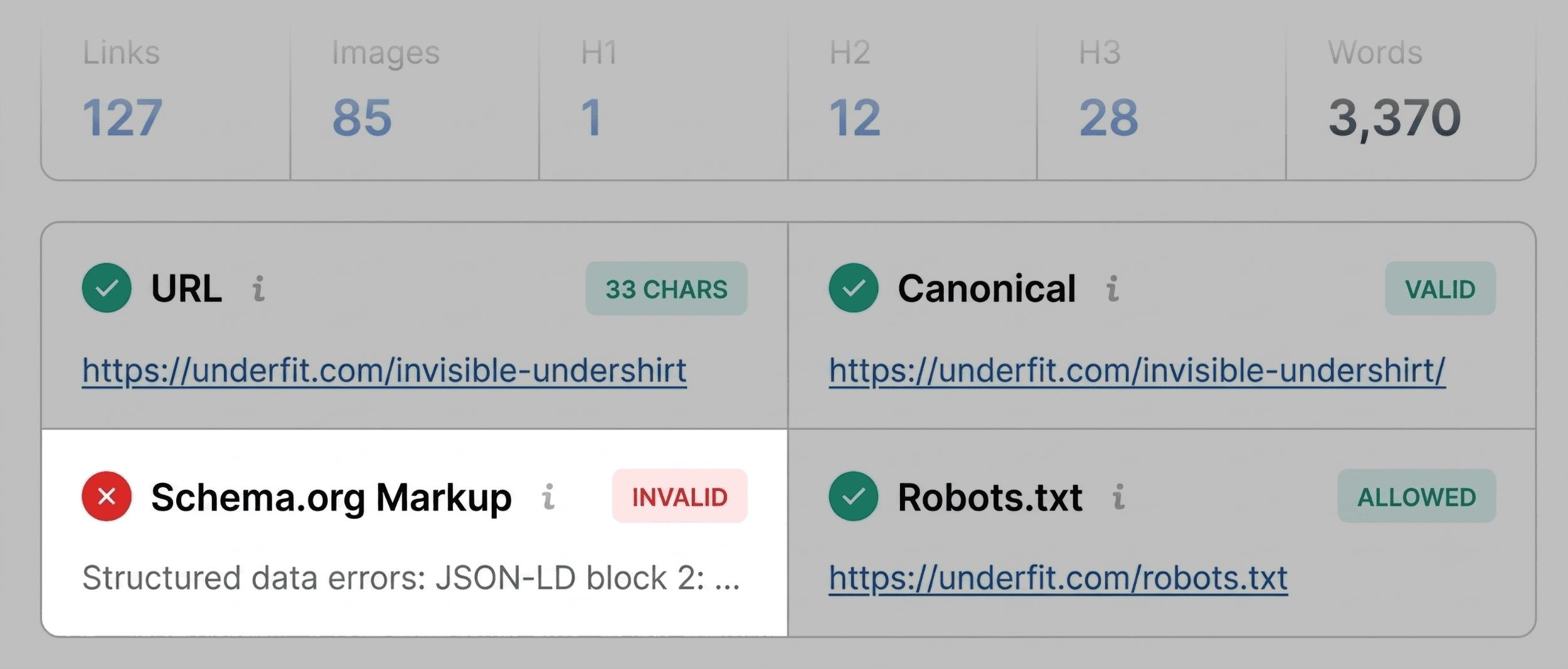
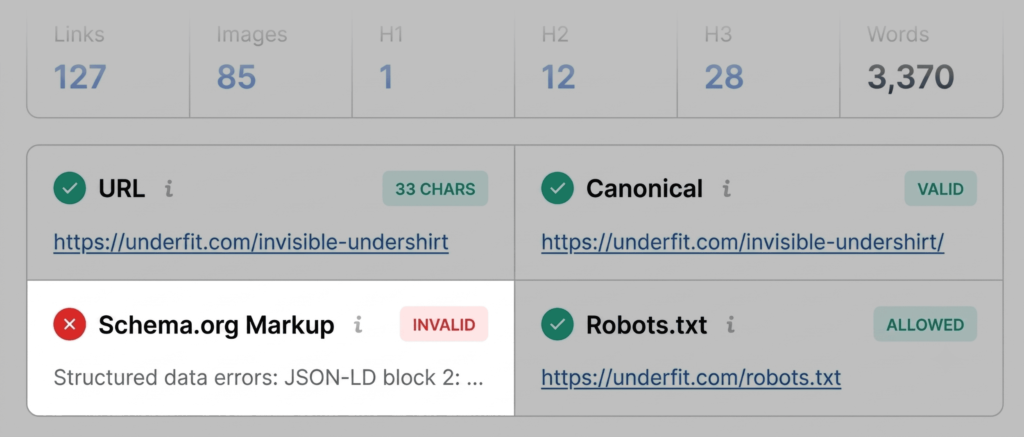
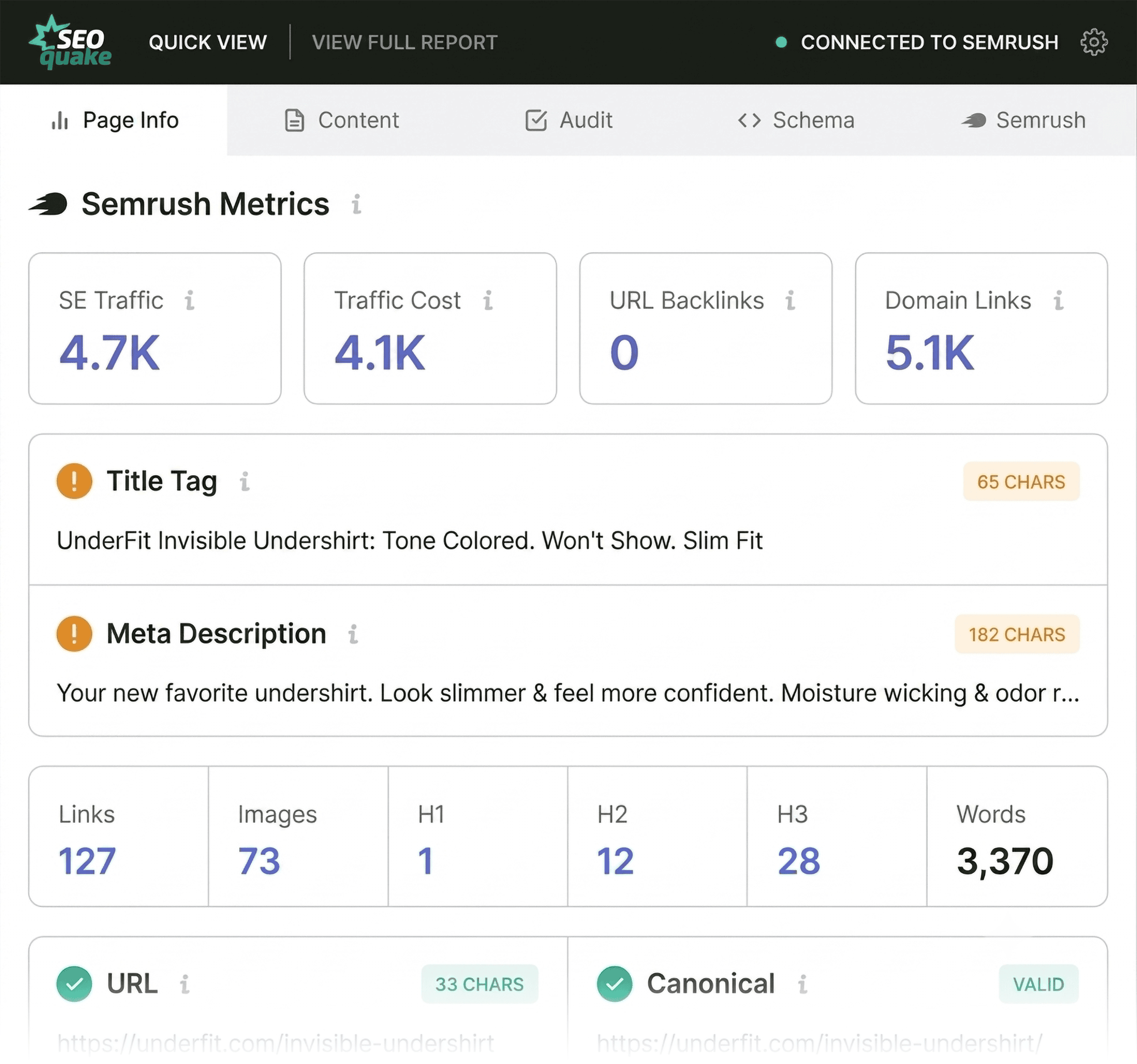
The Page Info tab provides a fundamental overview of key SEO elements. A practitioner should prioritize the canonical URL, title tag, meta description, and the presence of H1 tags. During a standard audit of a product page, if the tool flags the schema markup in red—indicating JSON-LD errors—it signals a high-priority issue. Invalid product schema can effectively render a page ineligible for rich snippets in search results, depriving the listing of essential information like price, availability, and user ratings.
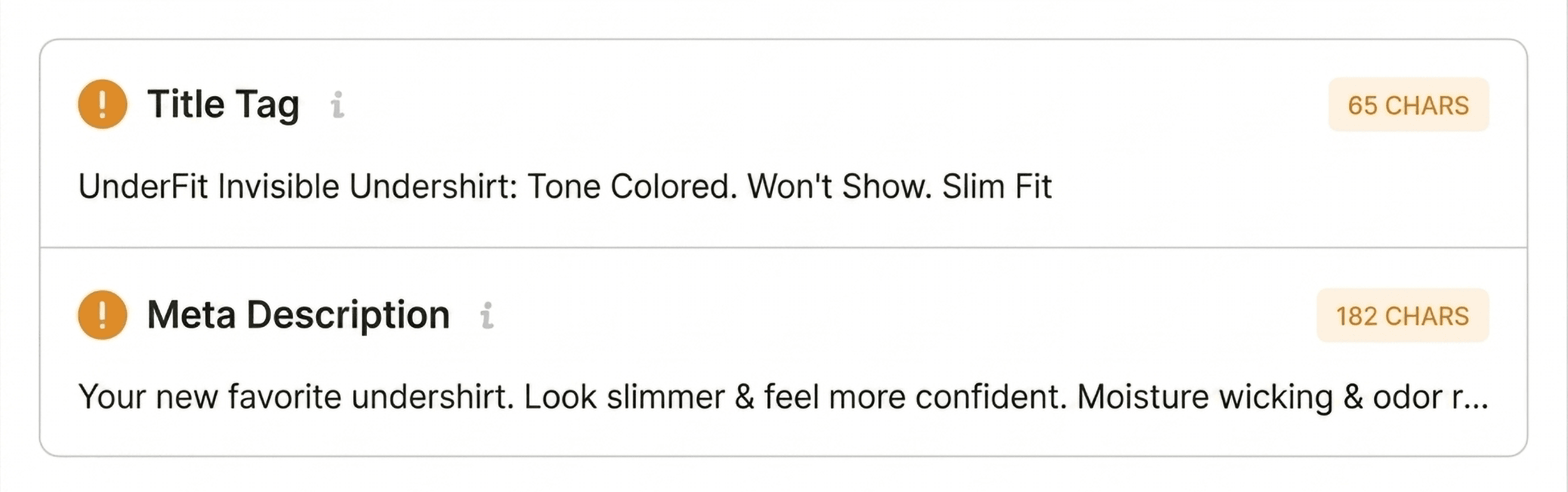
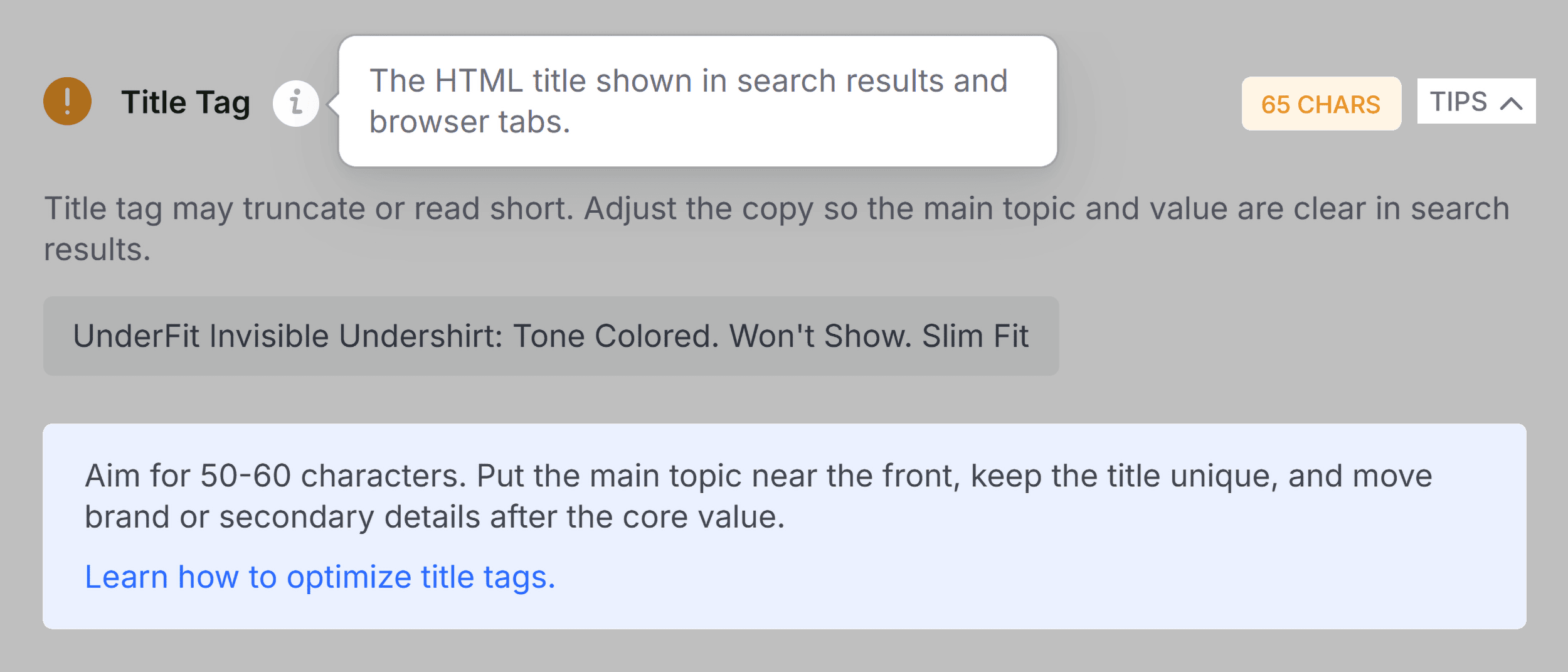
While non-critical issues, such as minor meta tag length discrepancies, are noted during this phase, they are rarely the primary culprit for a major performance drop. They serve instead as a checklist for secondary maintenance.
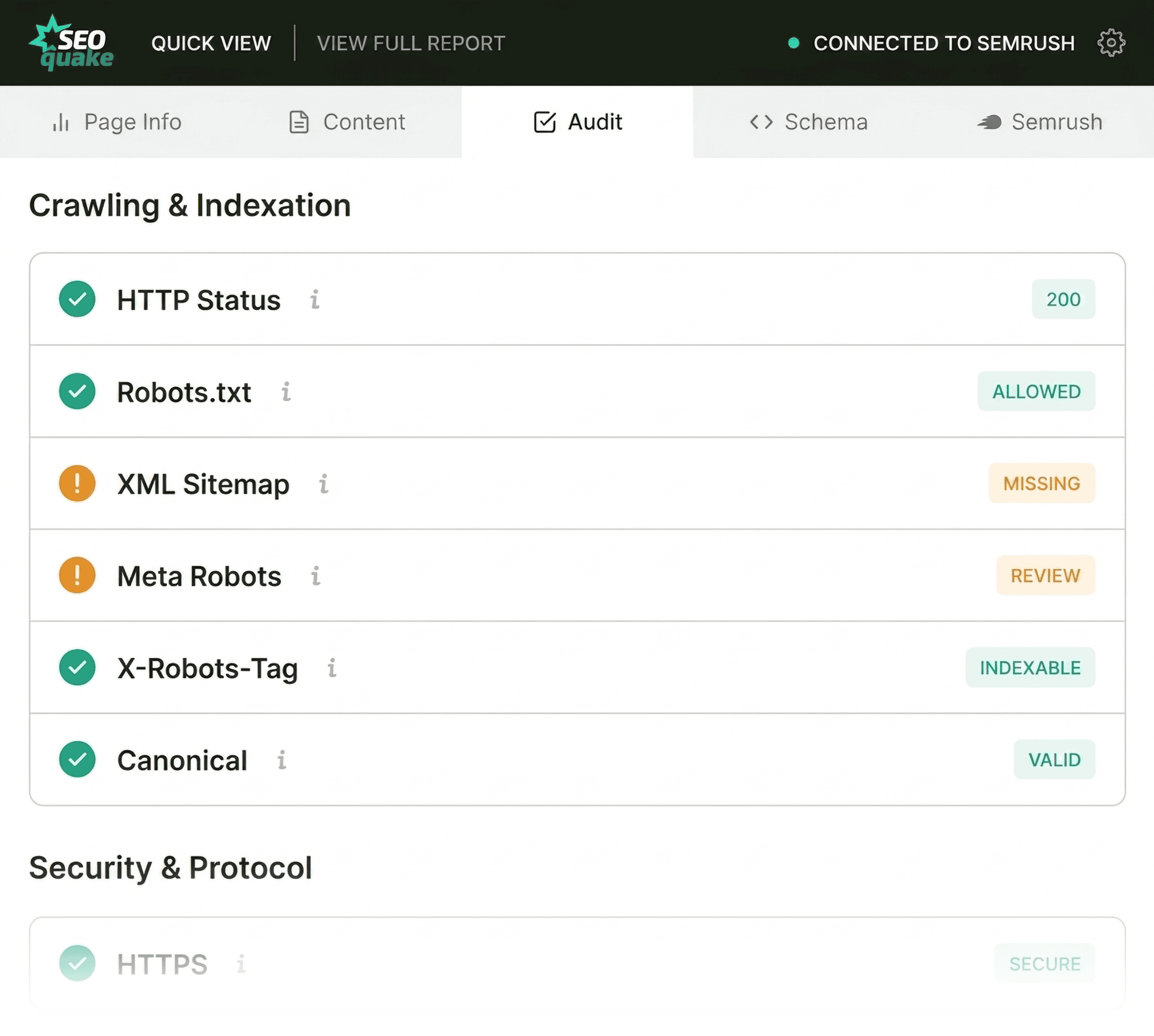
The Technical Audit Phase
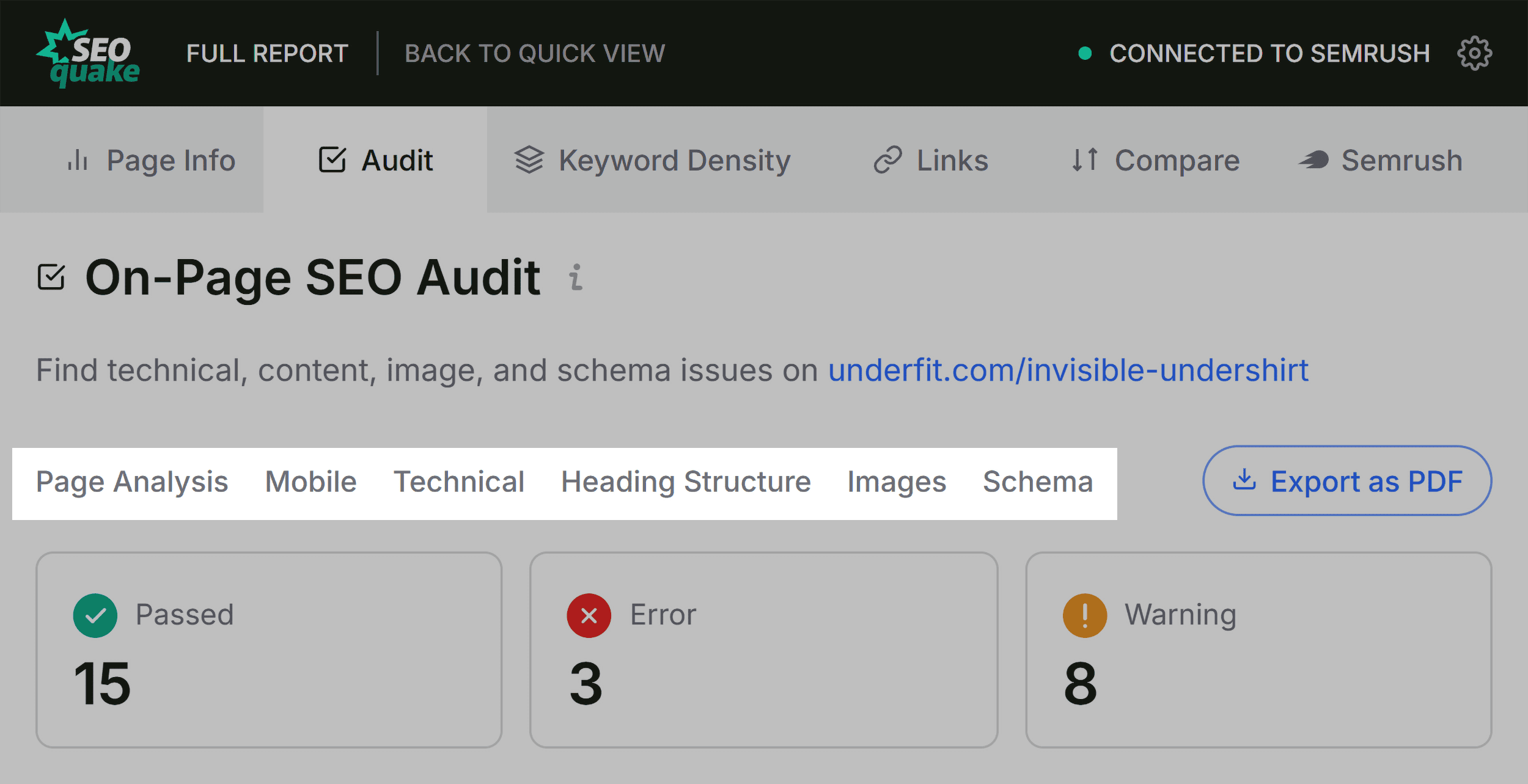
Moving beyond the basic metadata, the Audit tab scans for foundational technical SEO elements. This includes checking for proper indexation directives, mobile-friendliness, and sitemap accessibility. In many cases, a page may show a clean bill of health with green and orange indicators. When orange warnings appear, the auditor must weigh the risk. For instance, a warning regarding hreflang tags on a regional e-commerce site might be acceptable if the site is only targeting one locale, but it would be a critical failure for an international operation.

Evaluating Content Structure
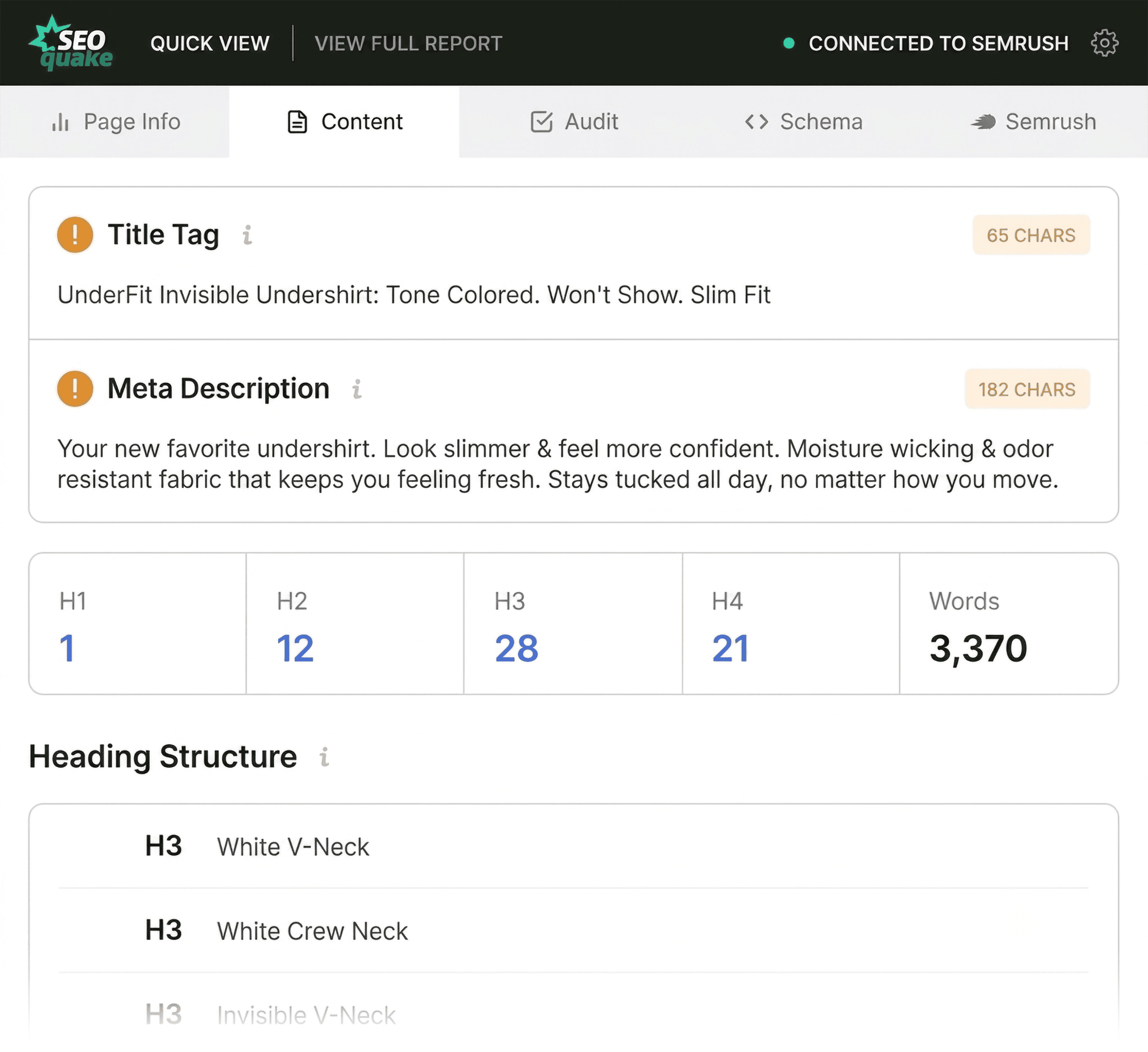
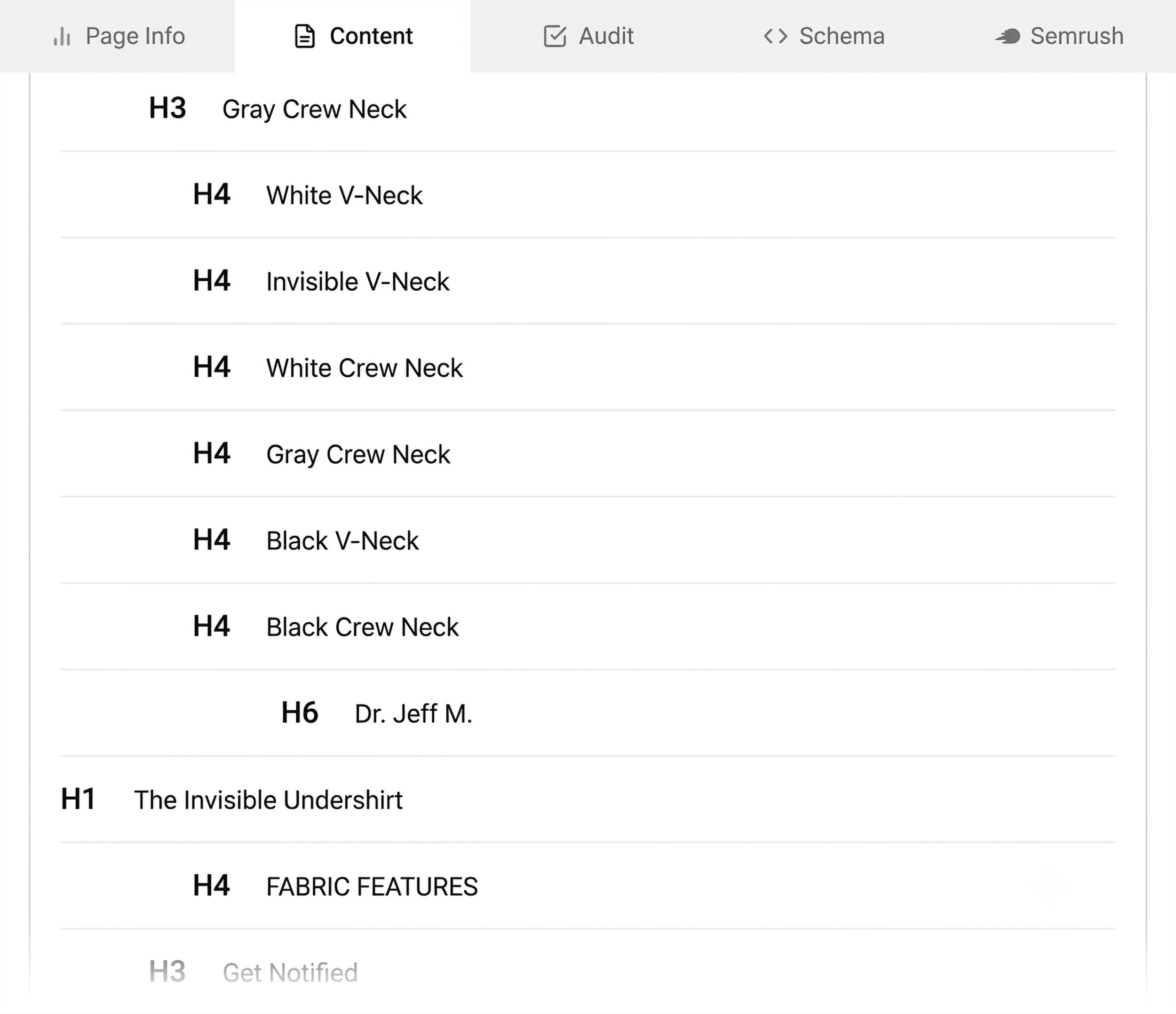
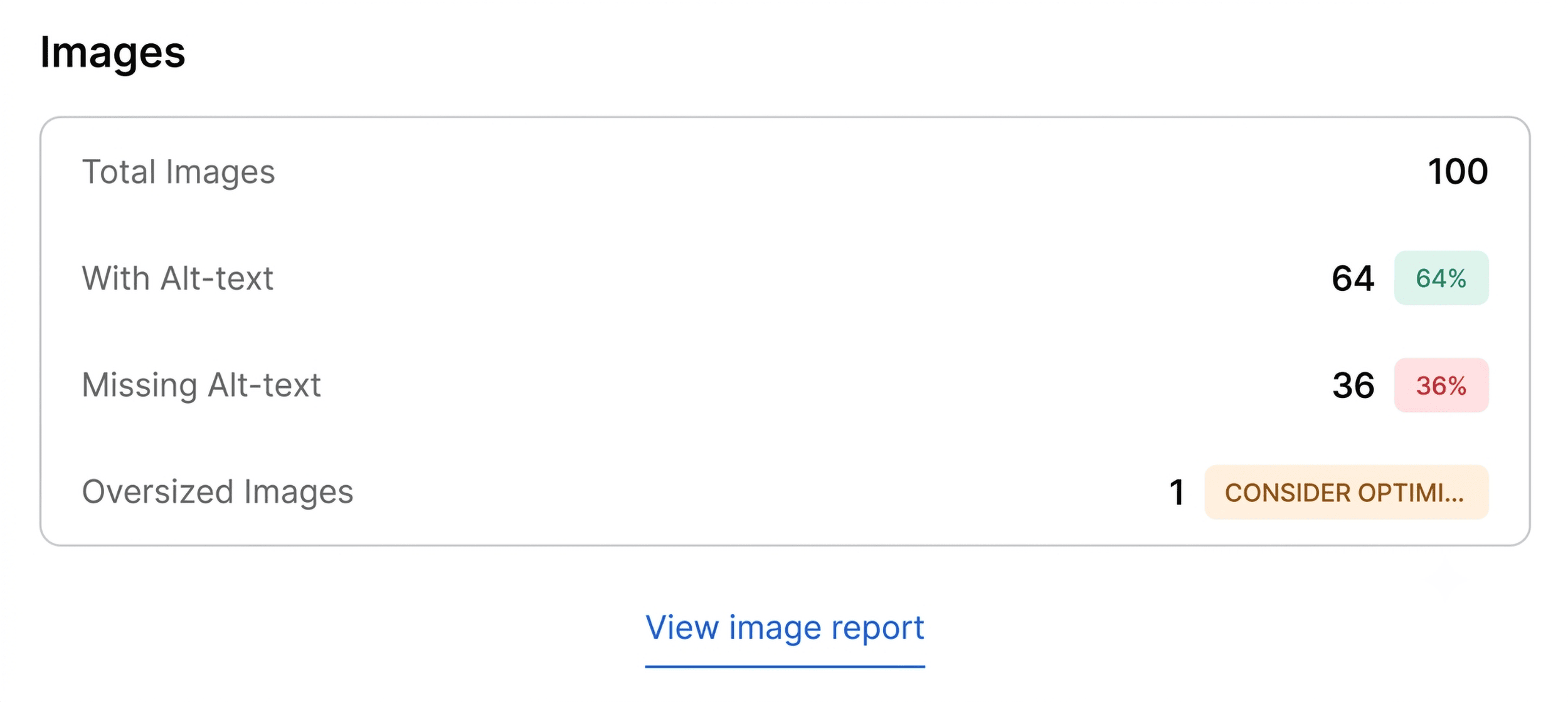
The third component of the initial three-minute scan is the Content tab. Search engines, and increasingly, AI-driven search systems, rely on clear hierarchy to interpret the relevance of a webpage. A common issue detected here is a disjointed heading structure—such as an H1 tag appearing late in the document or a jump from an H1 directly to an H4. Such issues are not just technical; they affect accessibility and the overall user experience. Additionally, this tab provides an immediate count of images missing alt text. For product-heavy pages, where visual content drives conversion, missing alt text is a significant oversight that limits search engine discoverability and accessibility for shoppers using assistive technology.
Advanced Diagnosis: The Full Report (Minutes 2-3)
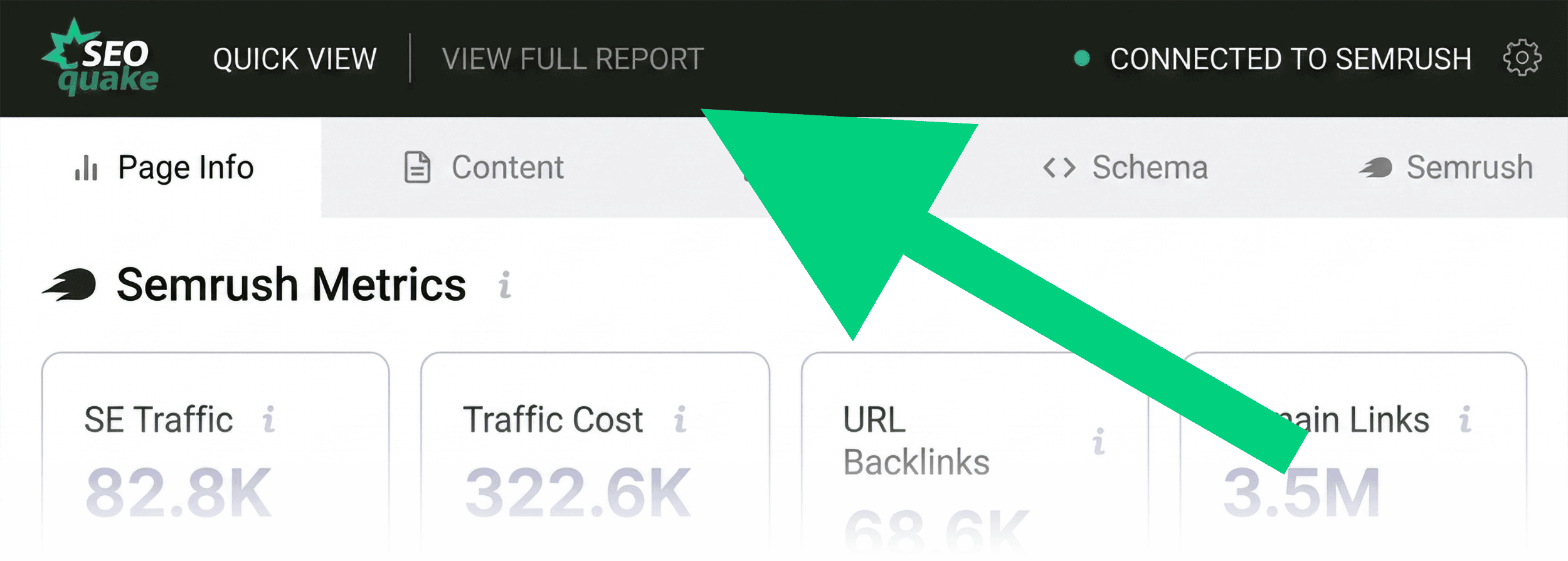
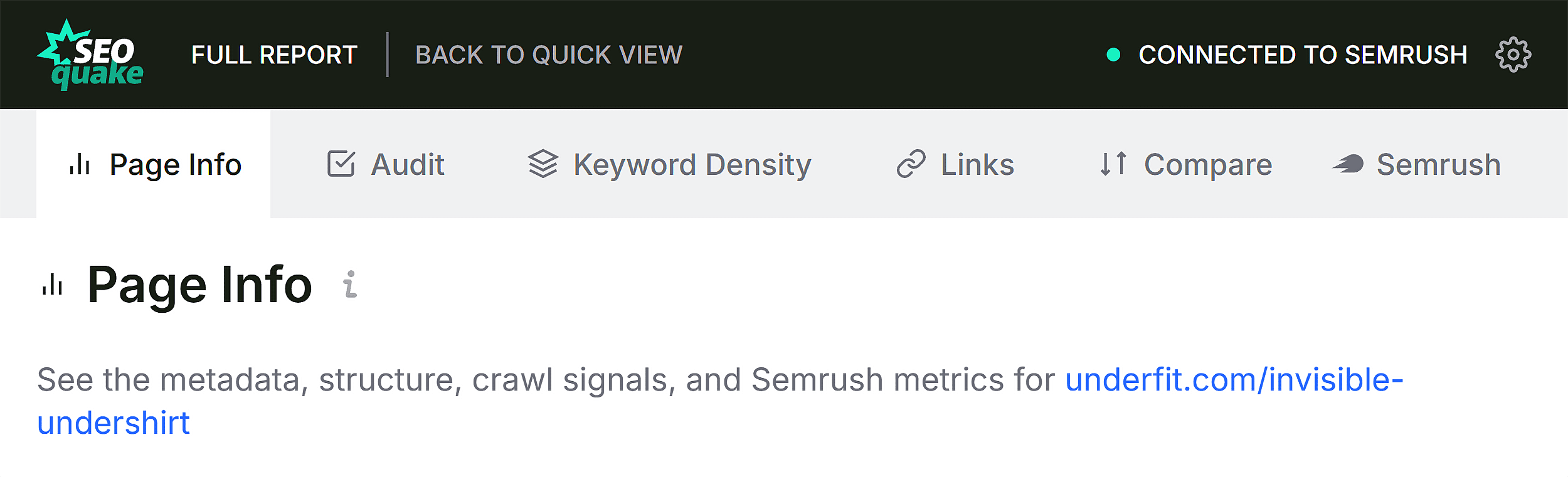
Once the triage phase is complete and a list of flagged issues is compiled, the auditor moves to the Full Report. This transition from "what is wrong" to "why it is wrong" occurs in the final two minutes of the audit. By clicking "View Full Report," the user accesses six panels that offer a more forensic look at the page.
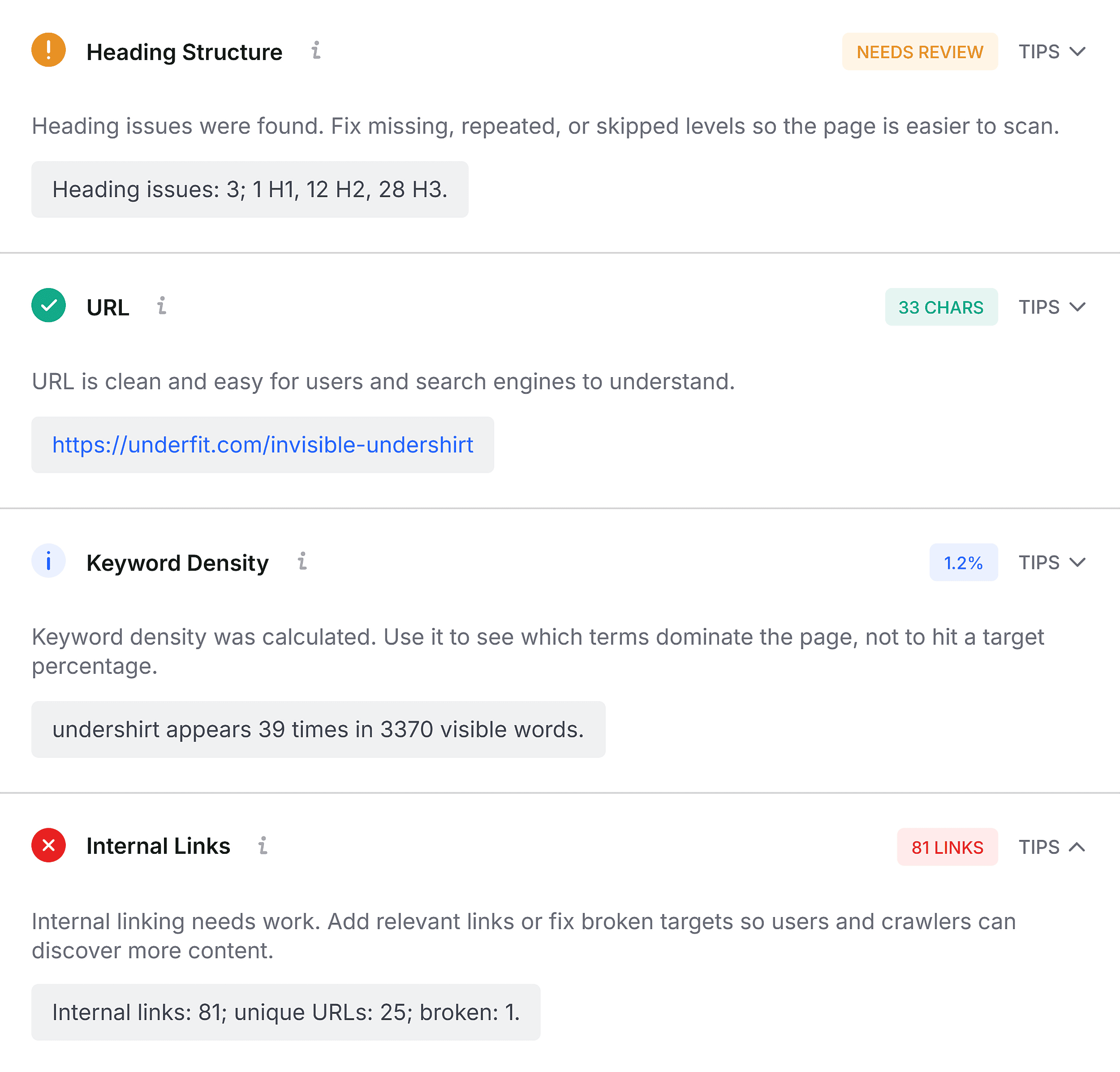
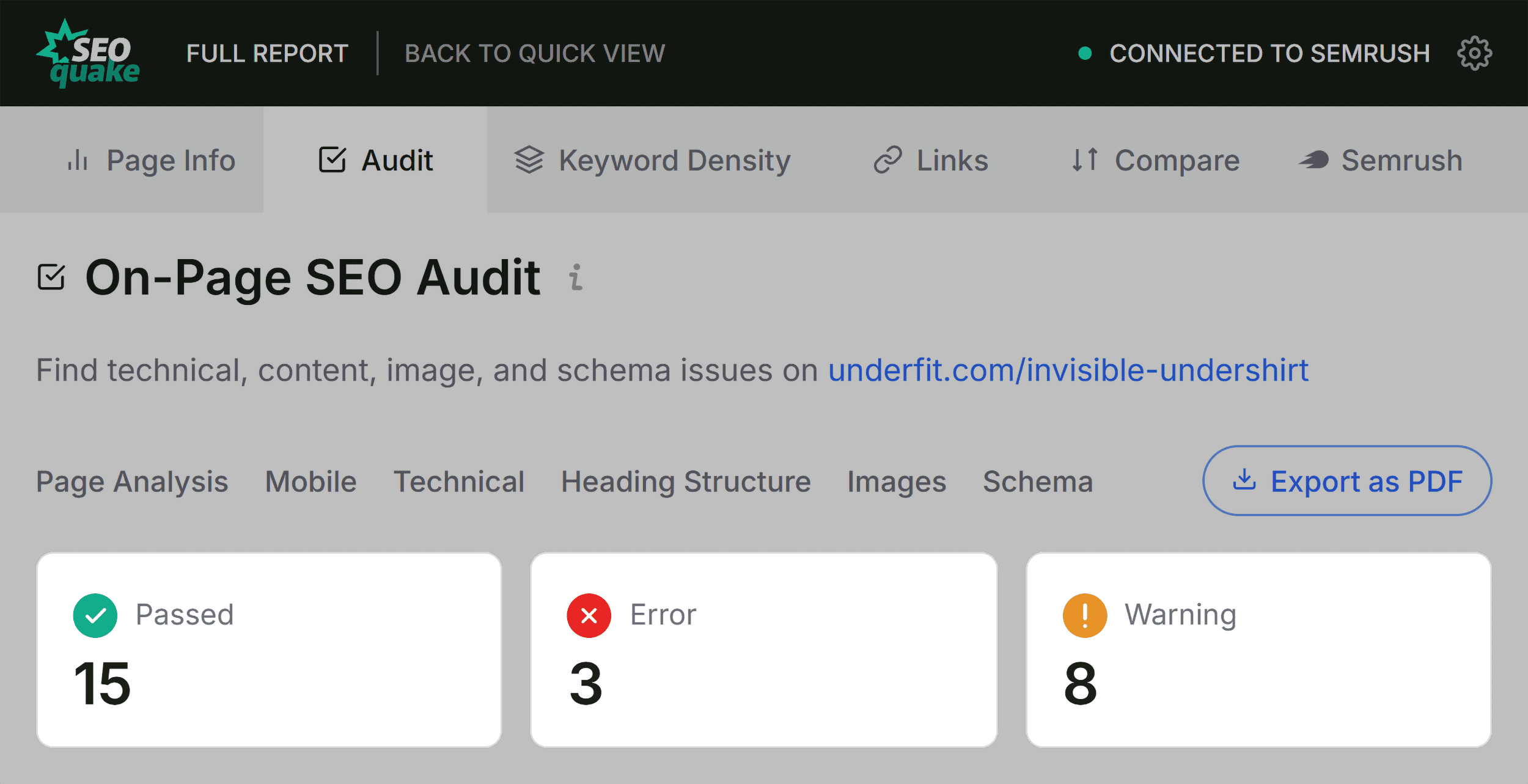
In the Audit panel of the Full Report, the user can drill down into specific technical flags. By using the interface to jump directly to flagged items, the auditor can verify if a sitemap is correctly linked or if a schema error is a template-wide failure. The "Test in Rich Results" feature, which integrates with Google’s own search console tools, allows for immediate validation. This is a critical step: it confirms whether the issues identified by SEOquake will be perceived negatively by search engines.
Keyword Density and Context
The Keyword Density panel is essential for identifying potential topic coverage gaps. By reviewing the keyword cloud, an auditor can ensure that the page is targeting the intended terms. If a product page for an undershirt lacks terms like "fabric," "fit," or "v-neck" in the primary copy, the page may struggle to rank for its target audience.
It is important for auditors to distinguish between relevant copy and "noise" generated by interactive elements. Tools like SEOquake may occasionally pull keywords from buttons, navigation menus, or JavaScript-heavy widgets. An experienced practitioner filters these out to focus on the actual body text that search engines prioritize.
Link Health and Strategic Decisions
The final step involves checking the Links panel. A high number of broken external links can signal to search engines that a page is unmaintained. If the audit reveals broken links originating from JavaScript elements, the auditor must determine if these are functional technical necessities or legacy code that requires cleaning.
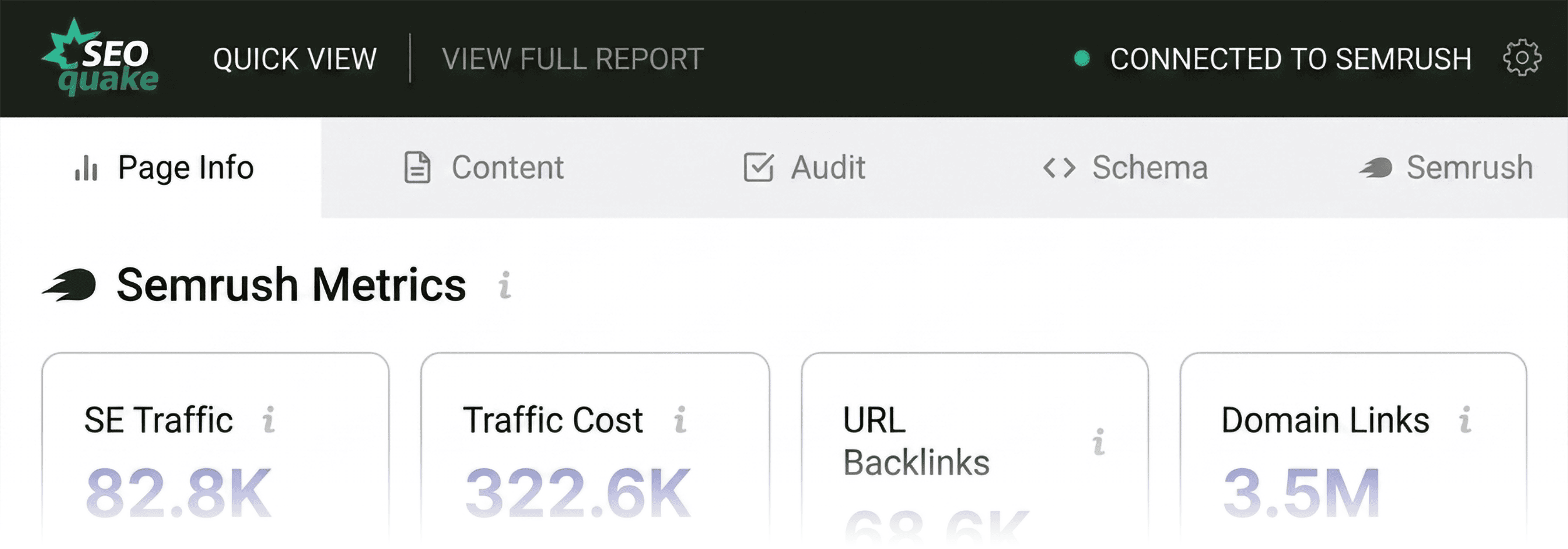
Finally, the Semrush panel provides the necessary context to decide on a course of action. By reviewing domain-level metrics—such as traffic patterns and backlink strength—the auditor can determine if the issues are isolated to the page or symptomatic of a broader domain health problem. If a page has low performance but sits on a domain with a high authority score and robust traffic, the problem is likely specific to the page’s content or technical implementation. Conversely, if the domain shows signs of struggle, the auditor may need to pivot from a page-level fix to a comprehensive site-wide audit using tools like Semrush’s Site Audit, which allows for deeper crawling of up to 100 URLs per month for basic users.
Implications and Best Practices
The ability to perform a three-minute audit does not replace the need for deep, long-term SEO strategy. However, it democratizes the ability to perform rapid, data-backed maintenance. In an industry where search algorithms change frequently, the capacity to quickly triage and address technical debt is a competitive advantage.
The primary takeaway for digital marketers is that SEO health is rarely a "set it and forget it" process. Even the most well-optimized pages can develop technical friction over time due to CMS updates, site migrations, or evolving search engine standards. By adopting a routine, rapid auditing workflow, teams can catch and correct errors before they result in significant traffic loss, ensuring that their web presence remains both performant and visible.