
The rapid proliferation of compact action cameras, drones, and smartphones has fundamentally democratized filmmaking, allowing creators to capture high-resolution footage from dynamic, previously inaccessible perspectives. However, this hardware boom has also brought optical challenges to the forefront of post-production. Among the most persistent and frustrating issues for video editors is aliasing—a digital distortion artifact that plagues high-contrast edges, fine textures, and fast-moving elements. Addressing this phenomenon has traditionally required compromises in overall image fidelity, but recent developments in workflow tools and free plugins offer refined solutions for modern content creators.
Understanding Aliasing and Sampling Errors in Digital Video
Aliasing in video production primarily manifests as jagged, "stair-stepped" lines along diagonal or curved edges, as well as high-frequency flickering in detailed patterns such as rippling water, brick walls, or distant foliage. Scientifically, aliasing is the result of a sampling error governed by the Nyquist-Shannon sampling theorem. When a camera sensor’s spatial resolution is insufficient to accurately capture high-frequency visual details within a scene, the digital reconstruction process misinterprets those frequencies, folding them into lower, visible frequencies as distorted patterns.

This optical limitation is particularly acute in the realm of action cameras and small-sensor devices. Because manufacturers must pack millions of pixels onto microscopic sensors—often measuring just 1/2.3 inches or 1/1.7 inches—the photosites are exceptionally dense. To compensate for the inherent softness that can arise from such diminutive optics, action camera firmware almost universally applies aggressive in-camera sharpening algorithms by default. Furthermore, manufacturers frequently omit options to completely disable or fine-tune this artificial edge enhancement. When combined with heavy internal video compression codecs—which struggle to encode high-frequency details cleanly—the resulting footage often exhibits severe aliasing that immediately betrays amateur production value.
The Evolution of Post-Production Solutions: From Gaussian Blurs to Edge-Detection Algorithms
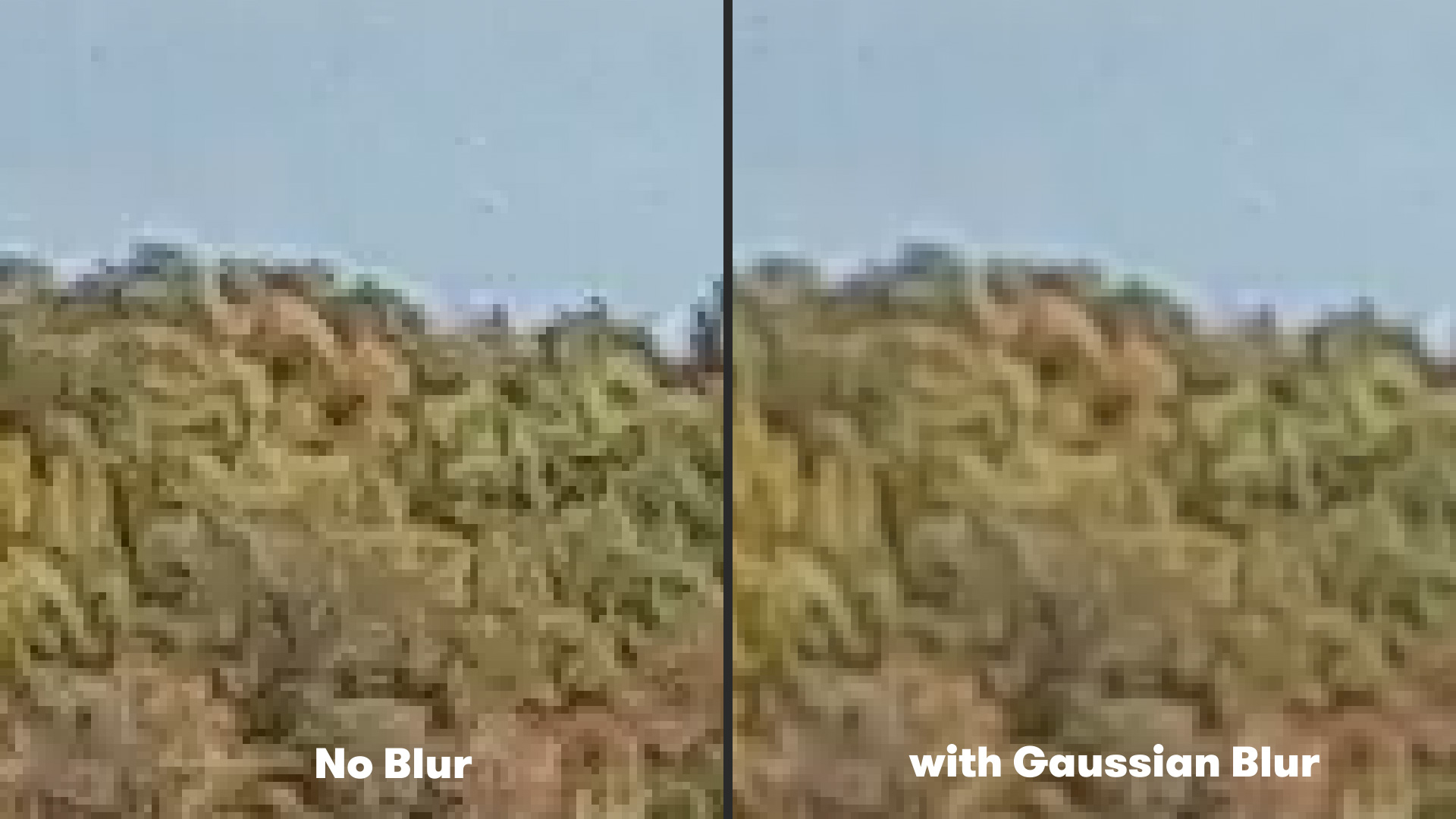
For years, video editors attempting to mitigate aliasing in post-production relied on blunt instruments, most notably the traditional Gaussian blur. By applying a subtle, uniform blur across the entirety of a video clip, editors could effectively soften the jagged edges and reduce the distracting high-frequency flicker.
While functional, the Gaussian blur method introduced a significant trade-off: the loss of fine, legitimate detail across the entire frame. Textures that deserved to remain crisp—such as skin pores, fabric weaves, or distant landscape features—were inevitably degraded alongside the problematic aliasing artifacts. Editors were forced to choose between the visual distraction of jagged, stair-stepped lines and the muddy appearance of an over-softened image.
The introduction of specialized edge-detection tools has transformed this workflow, offering targeted mitigation that preserves overall image sharpness while specifically addressing problematic pixels. Among the most efficient tools to emerge for Adobe After Effects is FXAA (Fast Approximate Anti-Aliasing), a free plugin developed by Plugin Everything. Originally adapted from real-time rendering techniques commonly utilized in the video game industry, FXAA bypasses the need for indiscriminate global blurring.
How FXAA Works in Adobe After Effects
The FXAA plugin operates by analyzing the pixel data of a video frame through an advanced edge-detection algorithm. Rather than uniformly softening the entire image, the algorithm identifies high-contrast boundaries and jagged edges, applying a localized, intelligent smoothing effect exclusively to those areas.
Because the computational overhead of this edge-detection process is remarkably low, FXAA renders significantly faster than traditional heavy blurring or complex frequency separation techniques. For editors working with demanding 4K or high-frame-rate action camera footage, this performance efficiency translates into substantial time savings during the export and review stages.
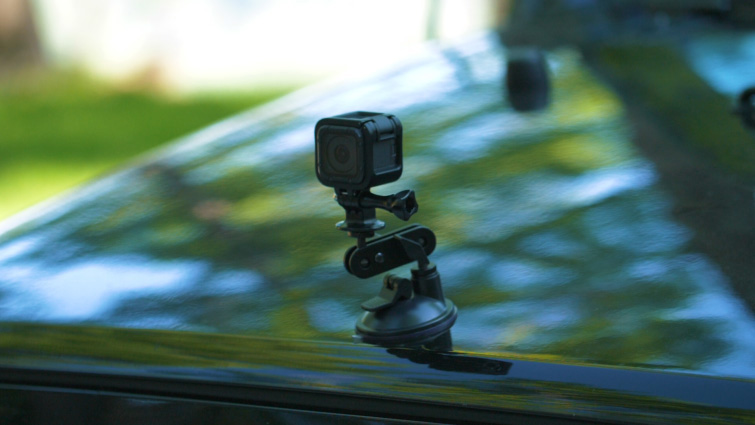
Implementing the plugin within Adobe After Effects requires a minimal learning curve. Editors simply select the target footage layer within their composition timeline, navigate to the effect menu, and apply the plugin via Effect > Plugin Everything > FXAA. For footage suffering from particularly stubborn or aggressive aliasing, the modular nature of the effect allows users to stack multiple instances of the plugin within the effect controls panel, progressively neutralizing severe distortion artifacts without sacrificing the overall integrity and clarity of the surrounding imagery.
Broader Implications for Content Creators and the Action Camera Market
The persistence of optical artifacts in compact video gear highlights an ongoing tension between hardware limitations and software correction in modern media production. As consumer demand for higher frame rates and resolutions—such as 4K at 60 frames per second and beyond—continues to grow, manufacturers are pressured to push small sensors to their absolute limits. Consequently, post-production workflows must increasingly rely on algorithmic corrections to bridge the gap between consumer hardware capabilities and professional broadcast standards.
Industry analysts note that the availability of free, high-performance plugins like FXAA democratizes professional-grade finishing techniques, allowing independent creators and extreme sports videographers to achieve polished, cinematic results without investing in expensive proprietary software suites. By addressing aliasing at the pixel level rather than masking it with destructive global filters, editors can maintain the dynamic, high-energy aesthetic of action sports while eliminating the visual distractions that detract from the storytelling experience.
As software developers continue to bridge the gap between real-time gaming graphics algorithms and traditional video post-production pipelines, creators can expect further innovations in automated artifact reduction. For now, mastering targeted anti-aliasing techniques in platforms like After Effects remains an essential skill for anyone utilizing compact cameras, ensuring that high-octane visual narratives are delivered with pristine clarity and professional polish.