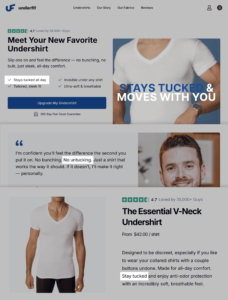

In the fast-paced world of digital marketing, the difference between a high-performing webpage and one that languishes on the second page of search results often comes down to technical precision. Whether you are troubleshooting a product page that has suddenly plummeted in rankings, analyzing a competitor’s strategy, or attempting to resolve low conversion rates for a client, the ability to conduct a rapid, accurate audit is an essential skill. While comprehensive site crawls are vital for long-term health, they are often too time-consuming for immediate triage.
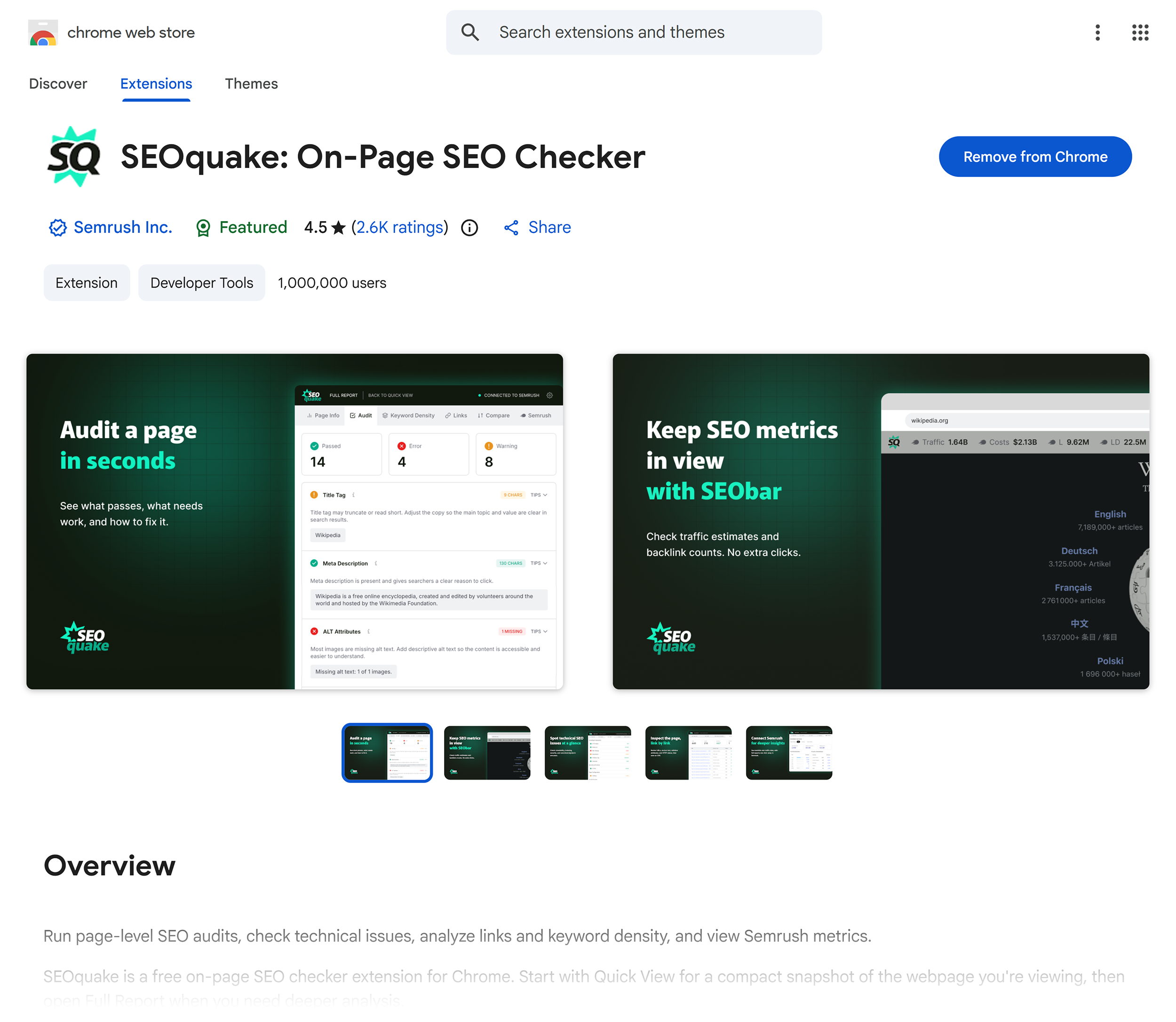
SEOquake, a free Chrome extension developed by Semrush, provides a streamlined solution for marketers who need to diagnose on-page issues instantly. By offering a granular look at technical signals, linking strategies, and SEO metrics without requiring the user to navigate away from the page, it has become a staple tool for SEO professionals. This guide explores the systematic three-minute workflow for using SEOquake to move from initial triage to actionable diagnosis.
The Anatomy of an SEO Audit
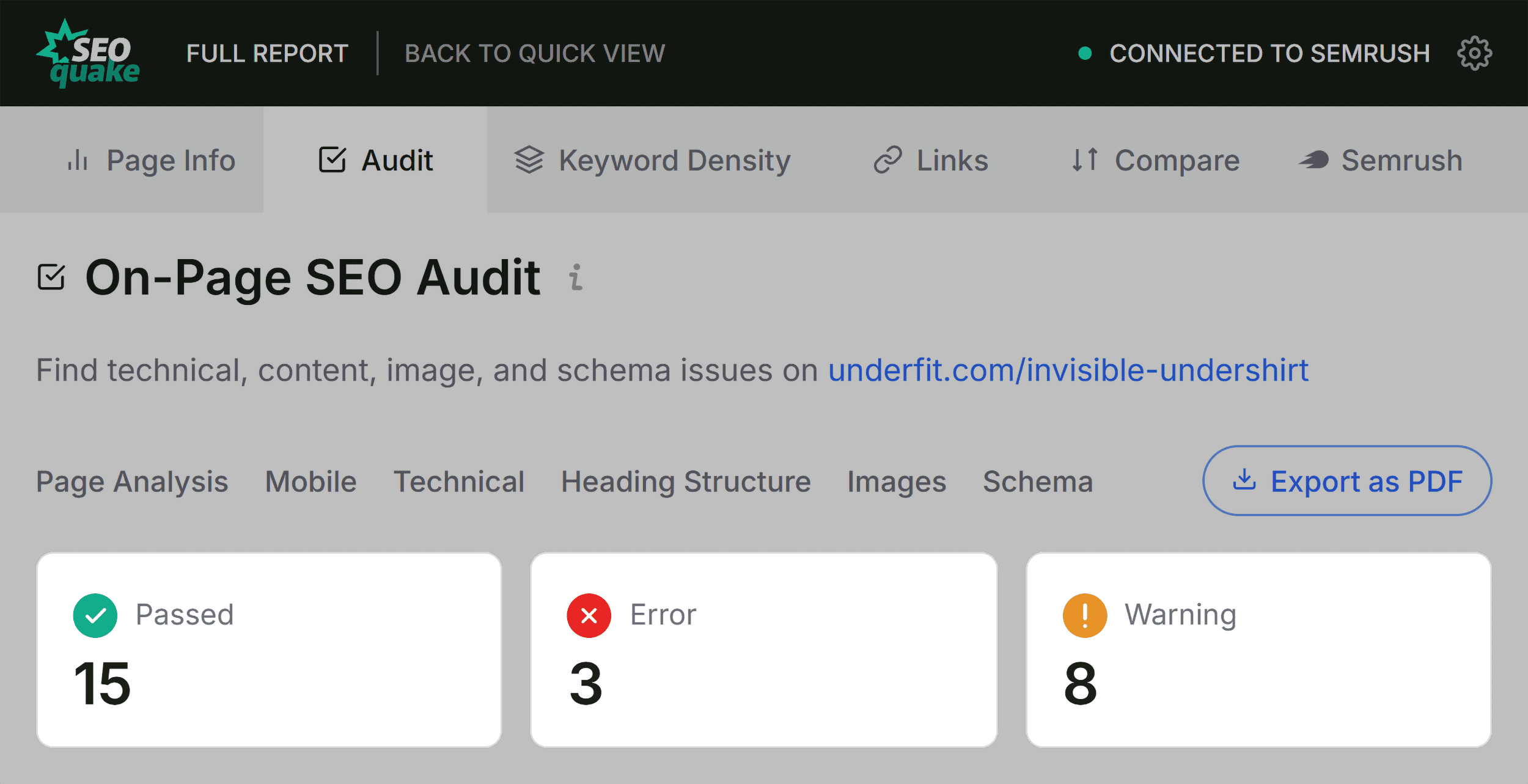
At the core of an effective SEO audit is the ability to interpret data quickly. SEOquake simplifies this by providing color-coded reports that act as a visual dashboard for page health. Generally, green indicators signify optimal performance, orange warnings suggest areas requiring professional judgment, and red flags indicate critical errors that likely demand immediate attention.
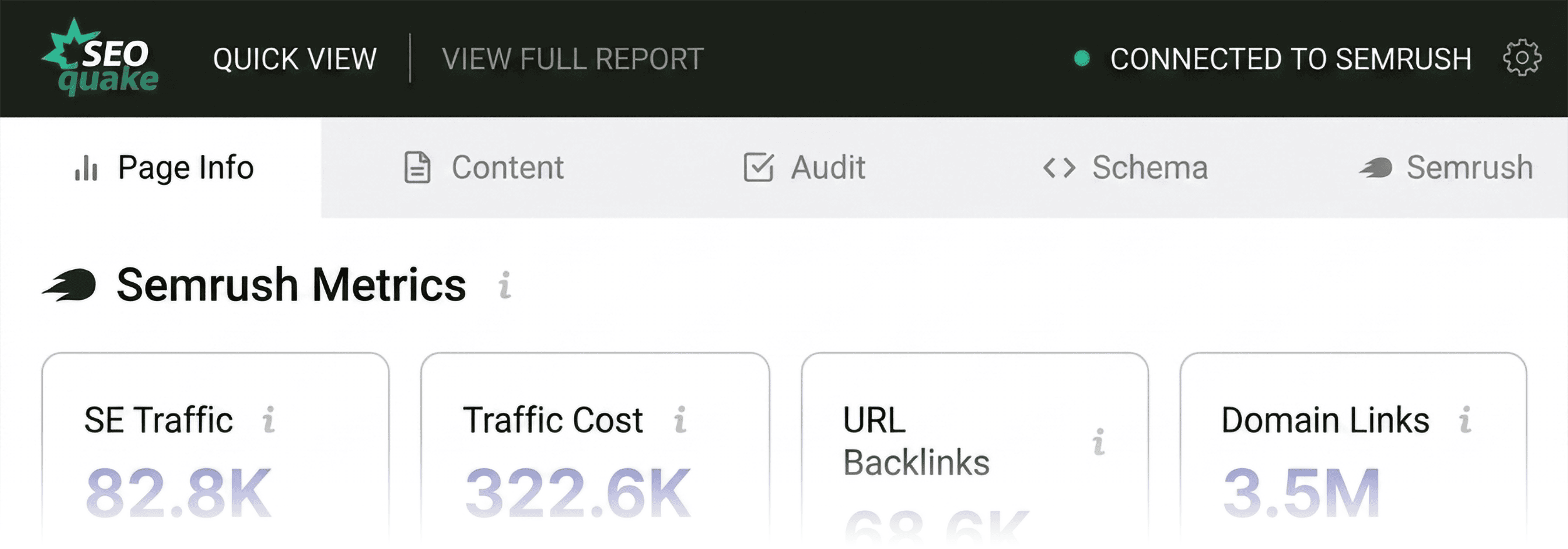
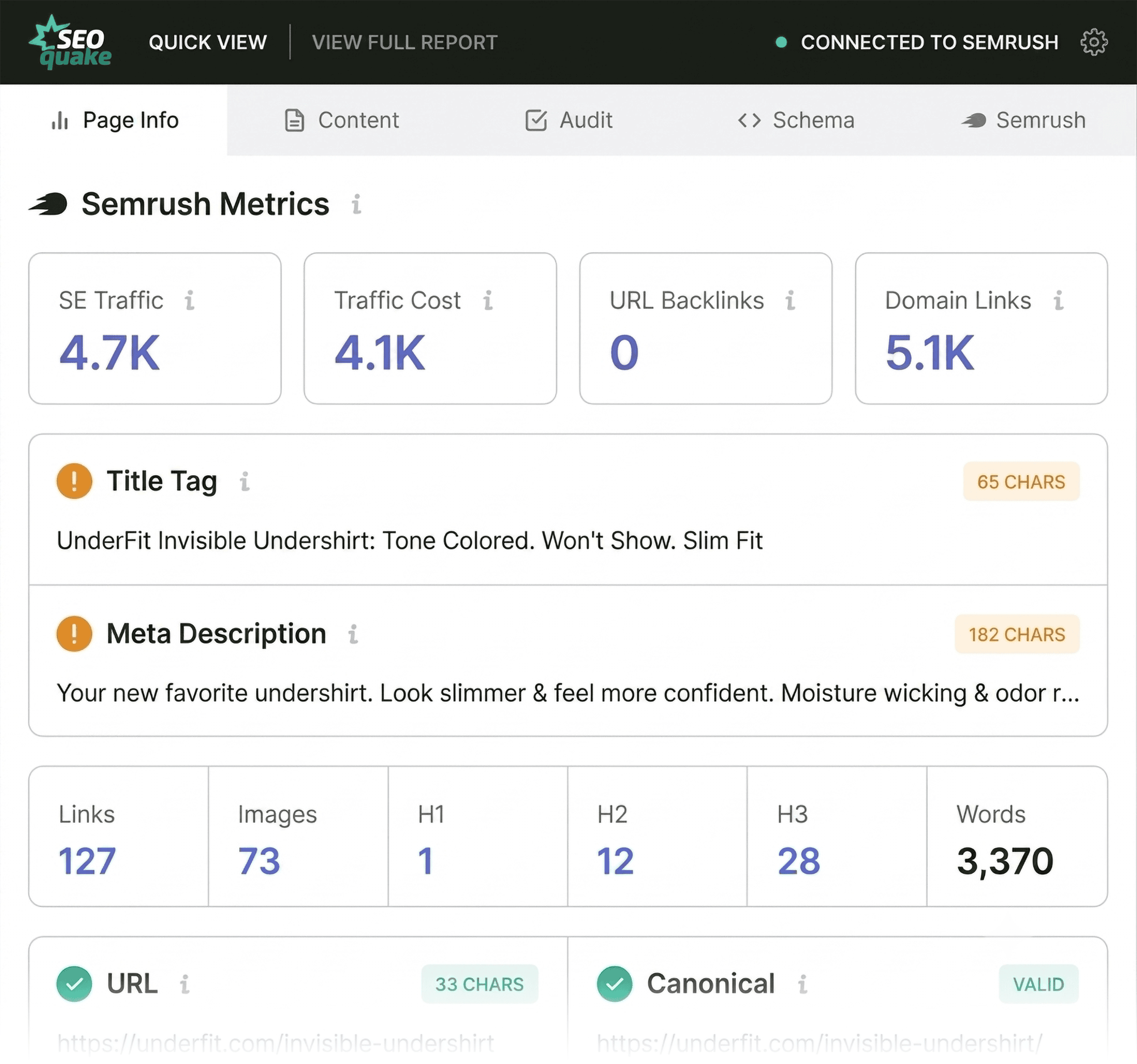
Understanding these cues allows for a targeted approach. Instead of aimlessly browsing a site, the user can immediately focus their energy on the "Quick View" pop-up. This interface serves as the entry point for any audit, providing five distinct tabs: Page Info, Diagnosis, Internal Links, External Links, and Density. A structured three-minute audit focuses on the most critical of these: Page Info, Audit, and Content.
Minute One: Triage via Quick View
The first sixty seconds of an audit are dedicated to identifying glaring issues. The "Page Info" tab is the primary destination during this phase, as it provides a snapshot of the most influential SEO elements: the page title, meta description, URL structure, and canonical tags.
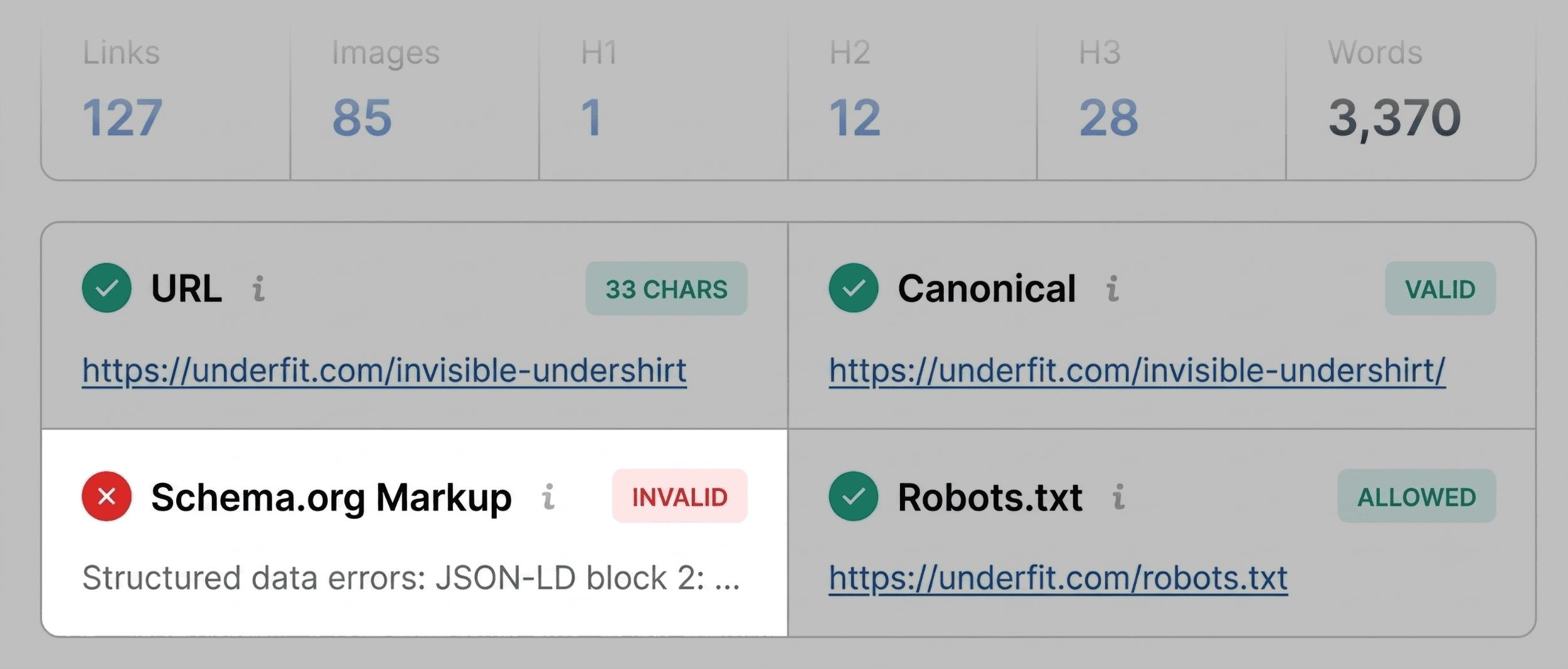
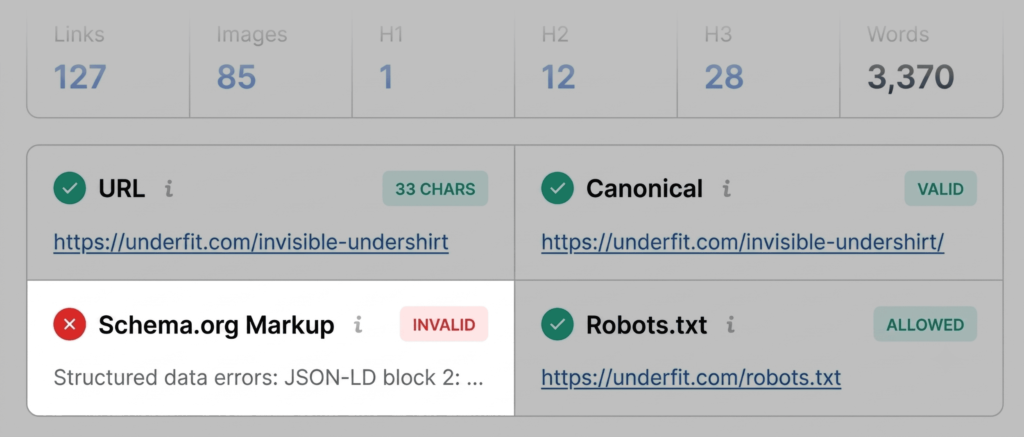
During this scan, the auditor should prioritize checking the title and meta description for length and keyword relevance. If the title tag exceeds character limits or lacks a primary focus keyword, it is flagged as a potential barrier to high click-through rates. Furthermore, the presence of schema markup—the structured data that tells search engines how to display rich results like prices and ratings—is critical. If SEOquake highlights these in red, it often indicates JSON-LD errors. For an e-commerce product page, such an error is a significant liability, as it can disqualify the page from appearing with rich snippets in Google Search, directly impacting visibility and sales.
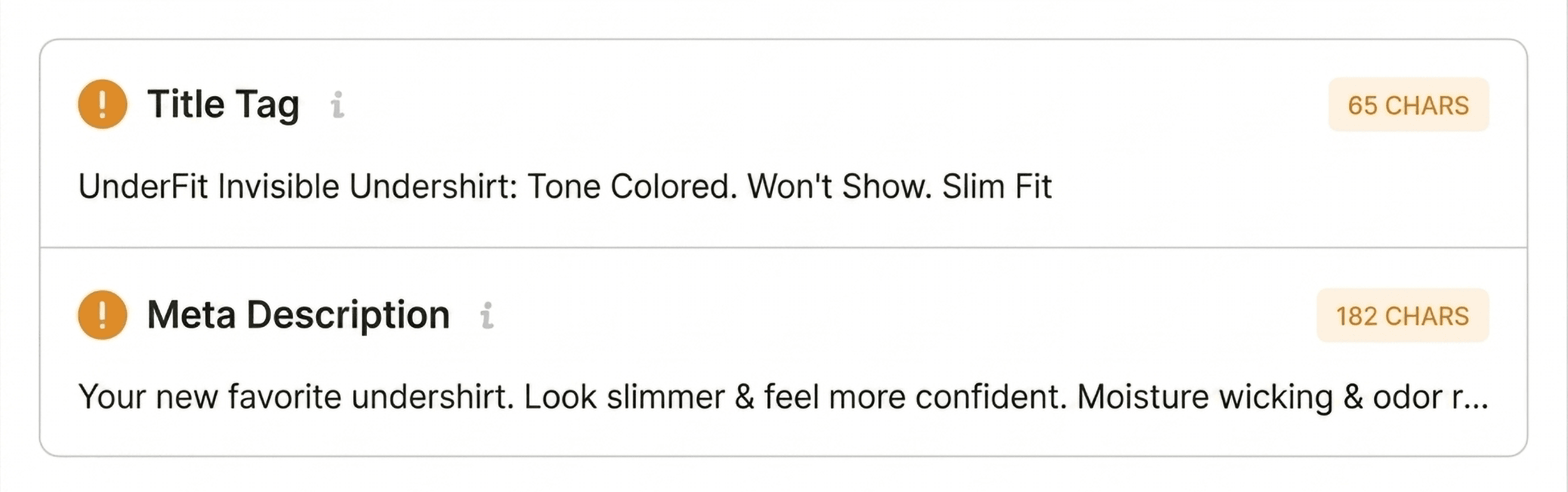
While scanning, the auditor should also take note of "non-blocker" issues, such as missing H2 headers or slightly suboptimal meta tags. These are not always technical failures, but they represent opportunities for refinement that can be revisited once critical errors are resolved.
Minutes Two and Three: Deep-Dive Diagnosis
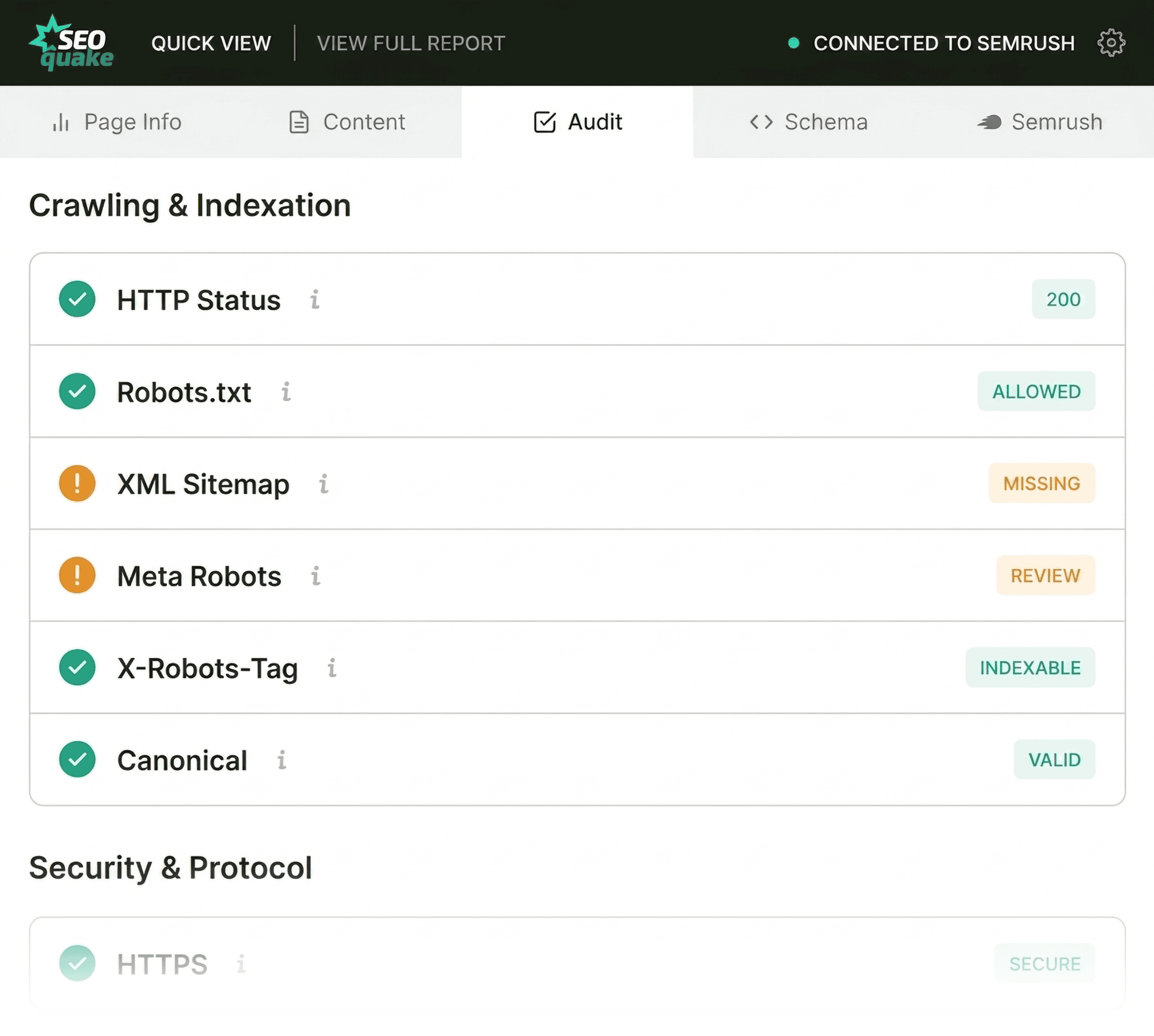
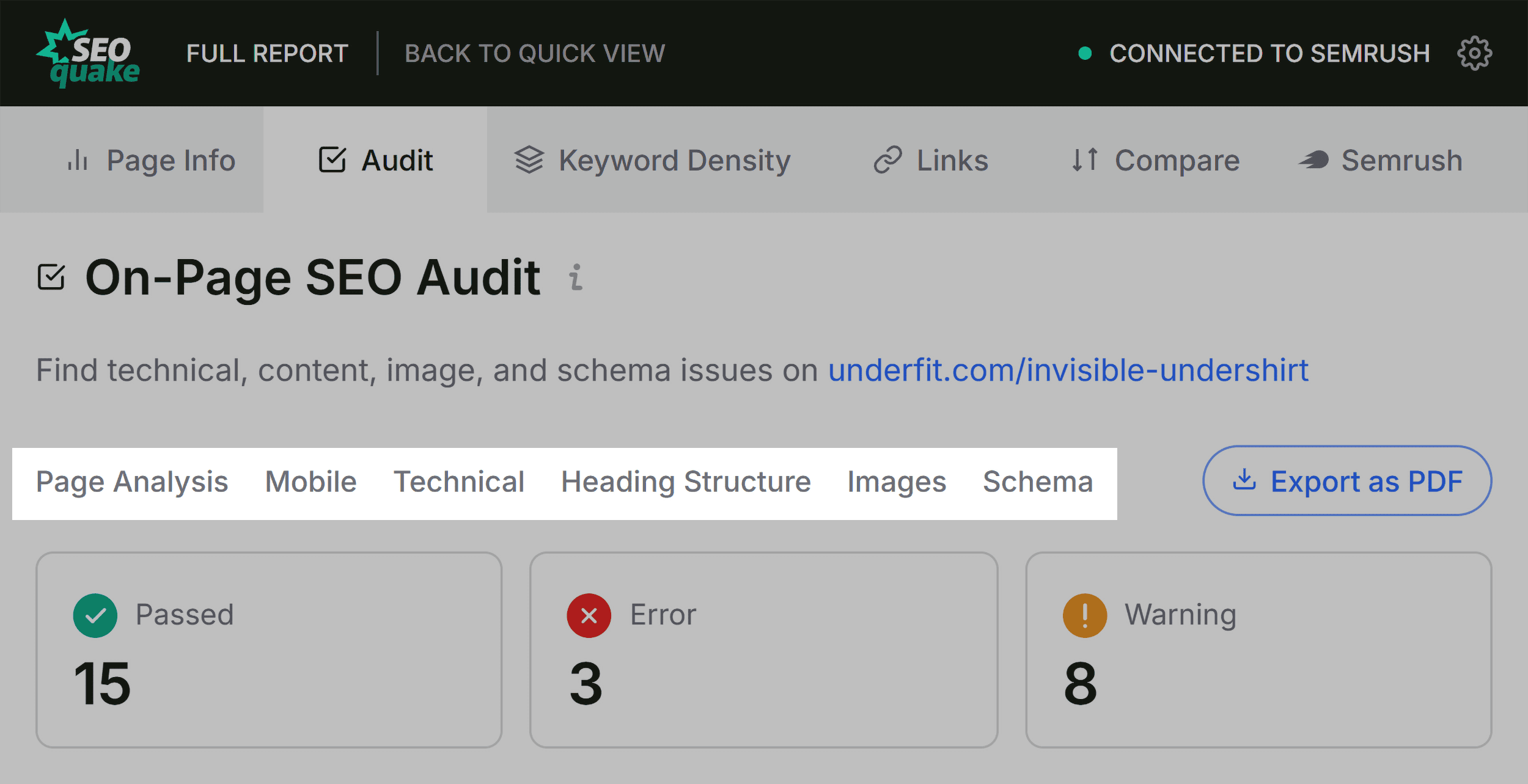
Once the initial triage is complete, the focus shifts to the "Audit" and "Content" tabs. The Audit tab is where technical SEO essentials are scrutinized, including crawlability, mobile-friendliness, and SSL certificate status. If a page displays orange warnings here—such as issues with hreflang tags on international sites—these must be evaluated against the specific context of the business.

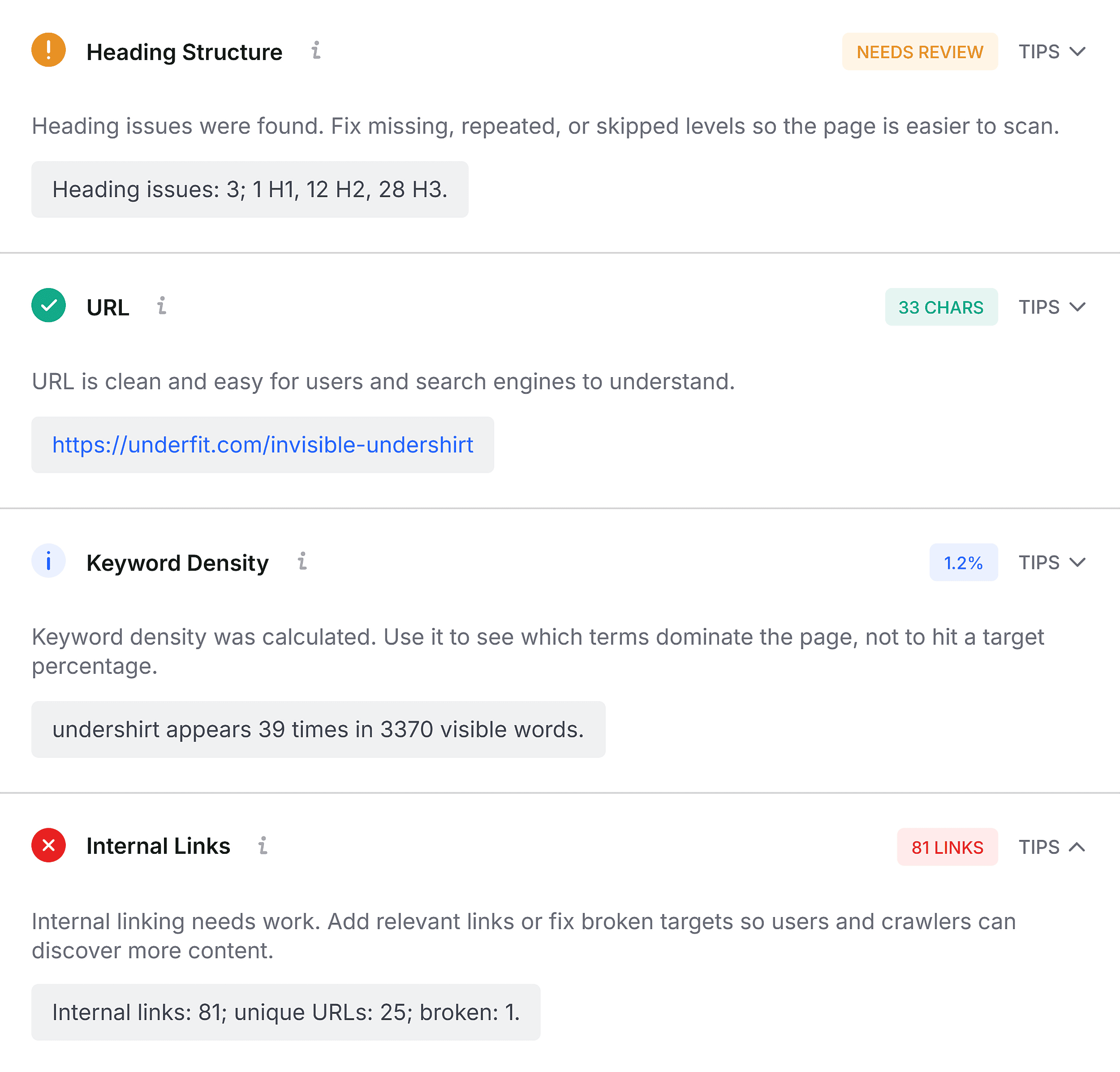
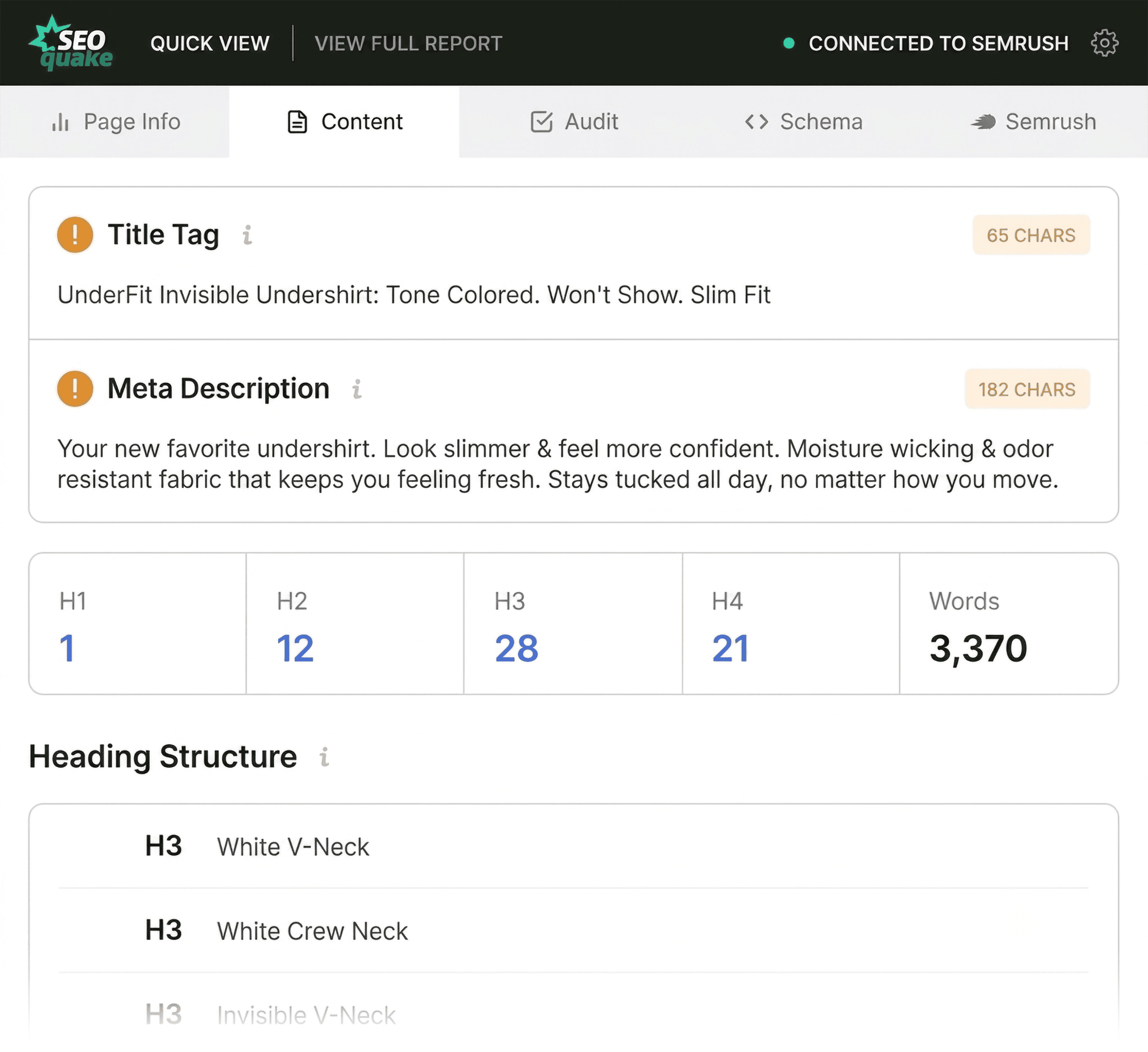
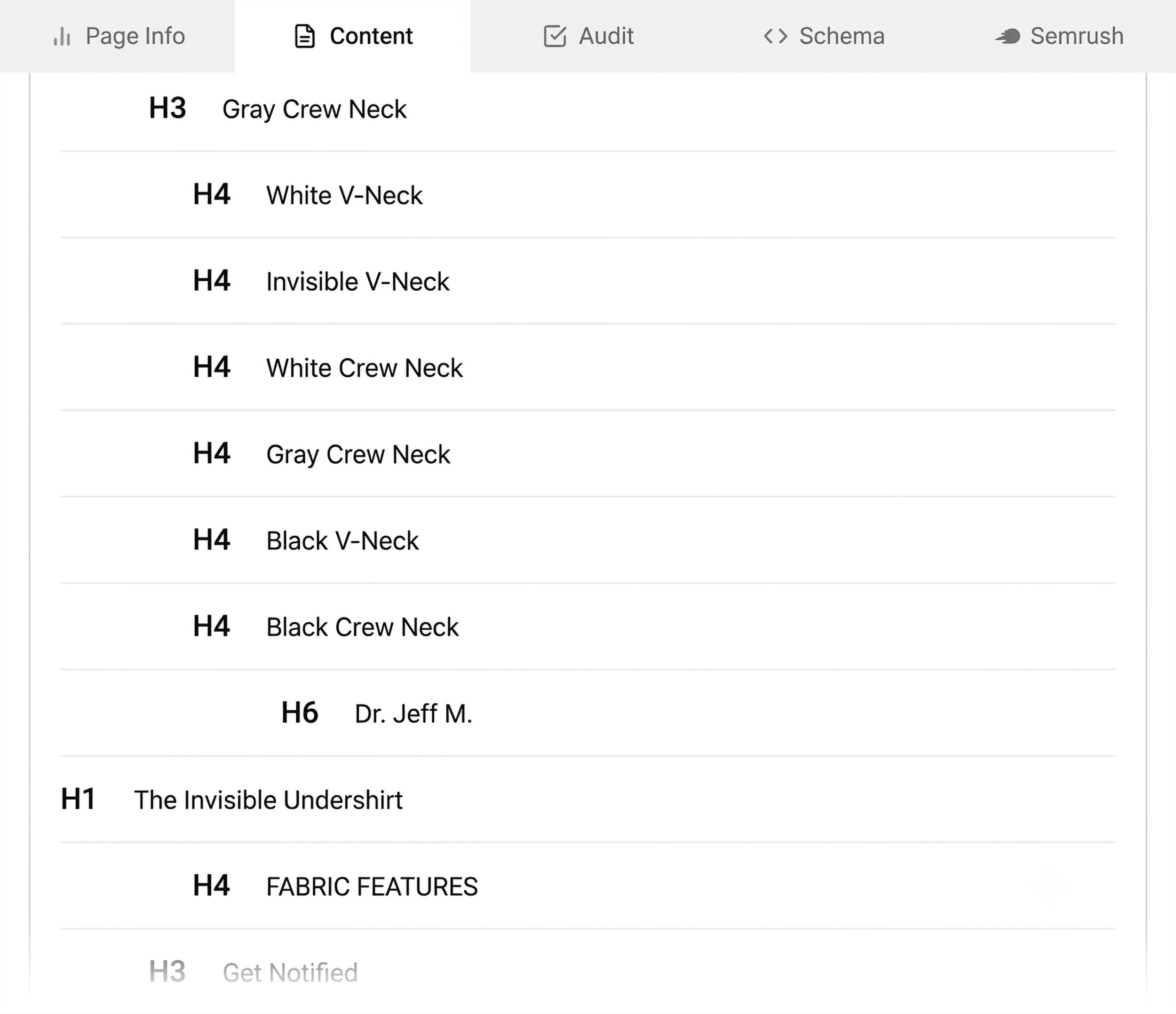
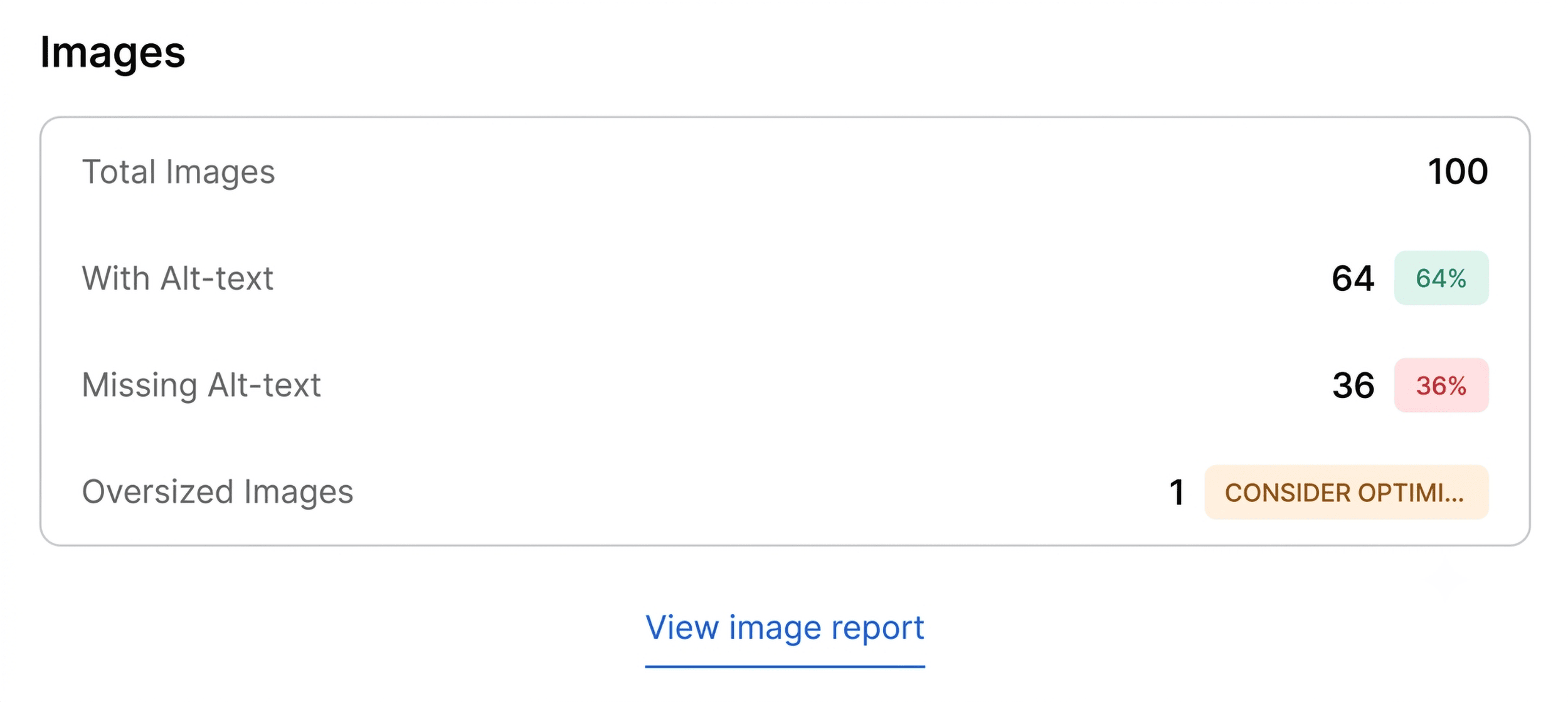
The Content tab provides a deeper look at the page’s architecture. A clear, logical heading hierarchy (H1 through H4) is essential not only for user readability but for the way modern AI search systems and search engine crawlers interpret information. A common pitfall identified by SEOquake is the "jump" in header hierarchy, where an H1 is followed immediately by an H4. This lack of structure can confuse search bots. Additionally, the audit often reveals missing alt text on images. In the context of accessibility and SEO, images are data-rich assets; leaving them without descriptive alt tags is a missed opportunity to rank in image search and a failure in accessibility standards.
Moving to the Full Report
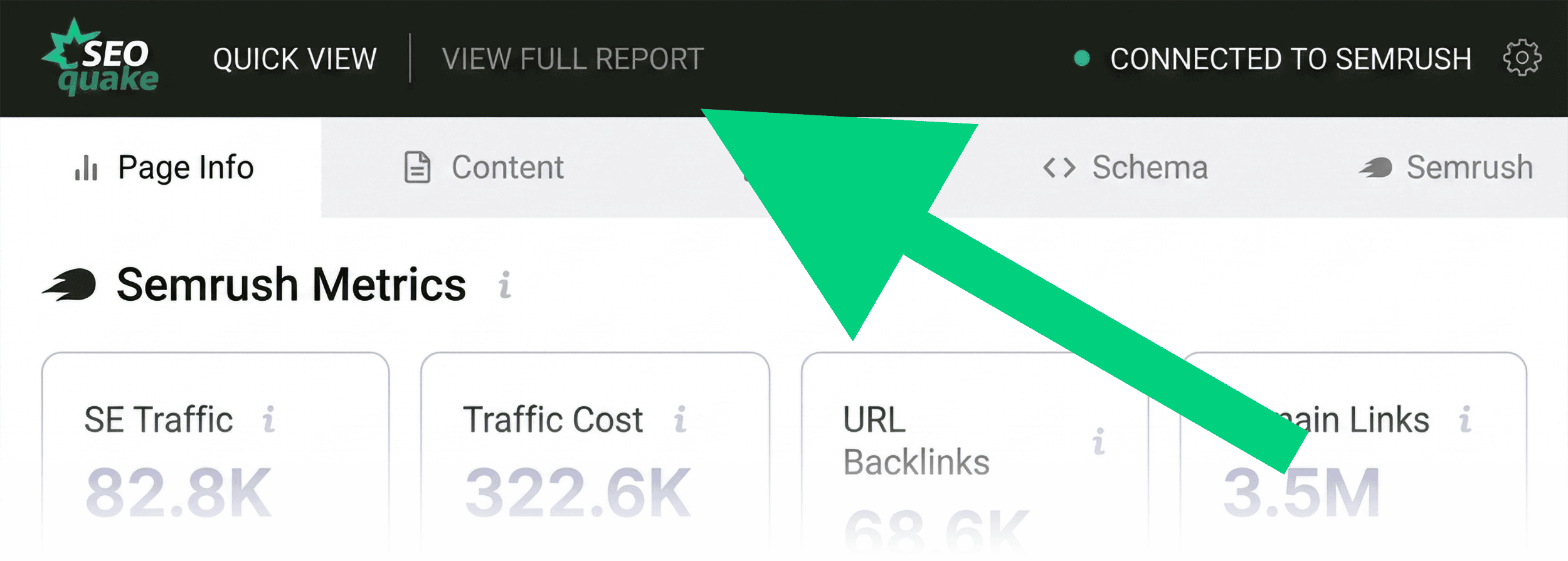
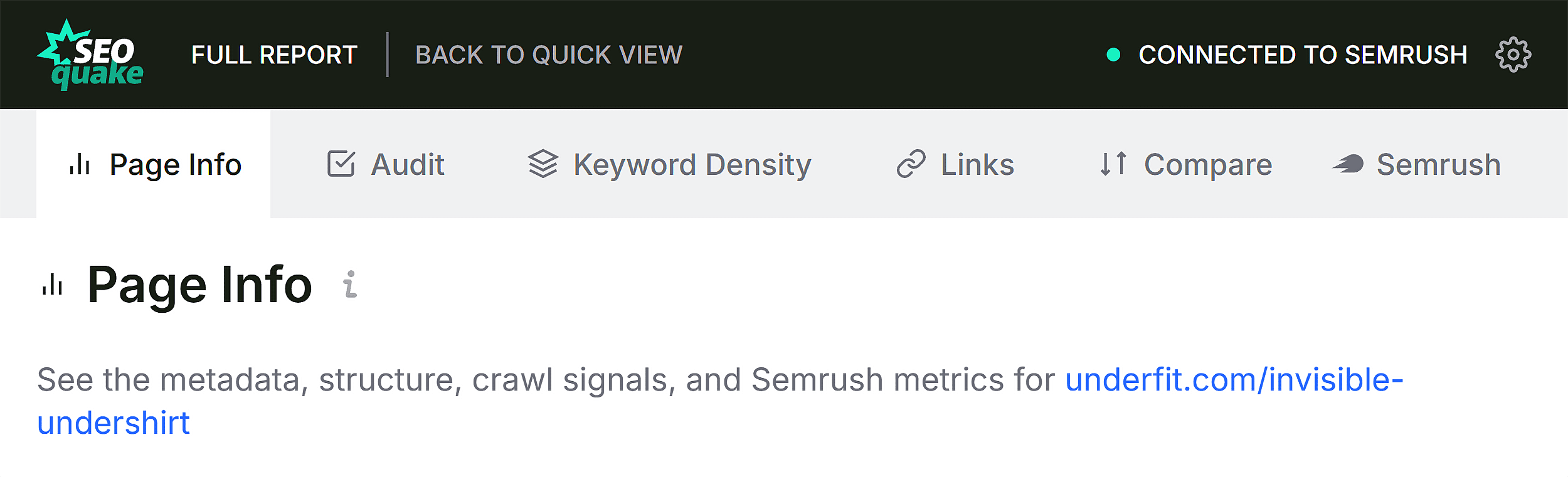
If the Quick View reveals issues that require a more detailed investigation, clicking "View Full Report" unlocks the diagnostic panel. This is where the audit moves from simple observation to strategic planning. The Full Report breaks down information into six distinct panels, each offering a granular view of site elements.
In the Audit section of the Full Report, the user can verify specific technical failures. For instance, if the tool flags an XML sitemap issue, the report will provide the exact URL path that is either missing or incorrectly linked. This level of detail allows the auditor to determine if the fix can be handled at the page level—such as adding a missing meta tag—or if it requires a broader site-wide intervention.
The Keyword Density panel serves as a sanity check for content strategy. While "keyword stuffing" is a relic of early SEO, ensuring that the primary and secondary terms are present in appropriate locations—such as the meta description and the H1—is still a fundamental practice. SEOquake’s keyword cloud allows for a quick visualization of the page’s topical focus, ensuring that the content is aligned with the intended search intent.
Determining the Scope of Intervention
The final step in the three-minute process is deciding whether to execute a page-level fix or a full-site audit. This is where the integration with Semrush metrics becomes invaluable. By observing the domain’s authority, traffic trends, and backlink profile, a marketer can contextualize the findings.
For example, if a high-authority domain is struggling with a single page, the issue is likely isolated to on-page optimization or content quality. Conversely, if the audit reveals site-wide issues—such as widespread JSON-LD errors across all product templates or a broken site-wide sitemap—a comprehensive site audit is the necessary next step. By using a tool like the Semrush Site Audit, the user can extend their analysis to cover hundreds or thousands of URLs, ensuring that the fixes applied to the single page are implemented across the entire domain.
The Importance of Continuous Monitoring
The landscape of search engine optimization is constantly shifting, with search algorithms becoming increasingly sophisticated. The ability to perform a rapid, data-backed audit is no longer a luxury but a necessity for maintaining a competitive edge. Tools like SEOquake democratize this capability, allowing team members at all levels of expertise to identify and resolve technical debt before it manifests as a significant loss in traffic.
By mastering the three-minute workflow—Triage, Audit, and Diagnose—marketers can transform their approach to SEO from reactive to proactive. Regular, short-form audits ensure that technical health is maintained incrementally, preventing the accumulation of errors that could otherwise lead to a dramatic drop in search performance. Ultimately, technical SEO is about removing the friction between your content and the user; SEOquake provides the diagnostic lens to identify exactly where that friction resides.