
In the intricate realm of modern post-production, bridging the gap between compelling visual storytelling and immersive sound design remains one of the most critical challenges for editors and sound engineers alike. While high-resolution cameras, color grading suites, and advanced visual effects often command the spotlight, the emotional resonance of a project is overwhelmingly dictated by its audio landscape. Among the myriad tools available to audio professionals, automation stands out as arguably the most powerful mechanism for making sound seamlessly complement and elevate visuals. By utilizing software-driven parameter adjustments over time, creators can contour soundscapes with precision, infusing depth, character, and professional polish into every frame.
Understanding the Mechanics of Audio Automation
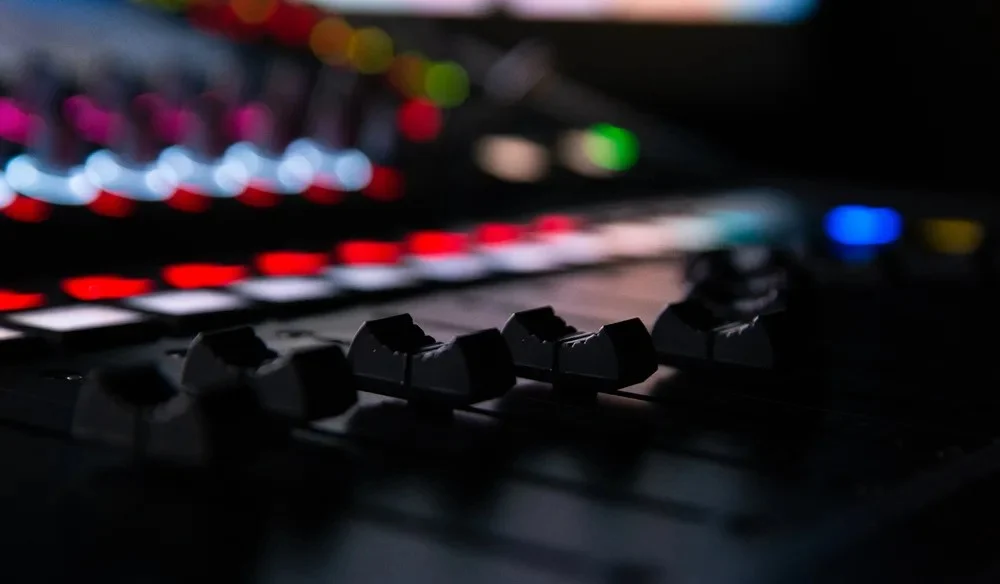
At its core, automation refers to the software-driven process of automatically adjusting a variety of audio parameters over a timeline without requiring manual fader manipulation during every playback pass. Commonly deployed across volume, panning, and effects levels, automation introduces vital micro-nuances to a mix. When applied thoughtfully, it transforms static tracks into expressive, living audio environments characterized by dynamic range and spatial depth.
The historical roots of automation trace back to the mid-20th century with the advent of mechanized mixing consoles, where engineers sought ways to record and playback fader movements to manage complex multi-track recordings. As the industry transitioned into the digital age during the 1980s and 1990s with the rise of Digital Audio Workstations (DAWs) like Pro Tools, Logic Pro, and later video-centric suites like DaVinci Resolve, automation evolved from hardware-based motorized faders to software-rendered control curves. Industry data indicates that professional mixing workflows now rely on automation for upwards of 70% of dynamic balancing tasks in cinematic and broadcast post-production, underscoring its indispensable role in modern media production.
Navigating Automation Modes: Write Versus Trim
To effectively harness automation, editors must master the fundamental operational modes provided by modern editing software: Write mode and Trim mode. Each serves a distinct function in the mixing lifecycle, moving from initial creative capture to meticulous refinement.

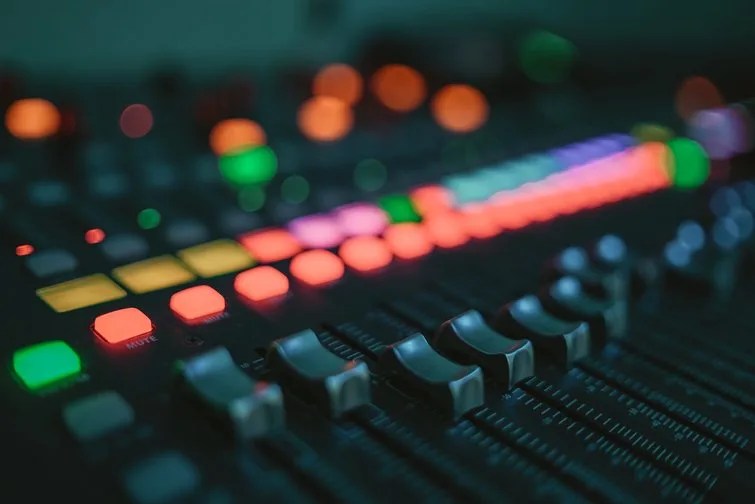
Write Mode serves as the primary capture tool for real-time parameter changes. When an editor engages Write mode, any manual adjustments made to audio parameters—such as riding the volume fader, shifting panning coordinates, or modifying reverb sends—are instantaneously recorded as automation data along the timeline. This mode allows creators to perform live passes, reacting organically to the visual cues on screen and translating physical or virtual tactile movements into permanent software data.
Trim Mode, conversely, is engineered for post-capture refinement. Once initial automation has been recorded, Trim mode enables users to edit existing data by adding new automation points, reshaping curves, or scaling entire sections up and down without overwriting the core performance dynamics. According to veteran post-production specialists, relying on Trim mode is essential during the final stages of a mix, allowing engineers to make subtle gain adjustments to dialogue or music beds without having to re-perform entire automation passes from scratch. This duality of capture and refinement streamlines the workflow, bridging raw creative expression with technical exactitude.
Enhancing Dialogue Clarity and Spatial Awareness
Dialogue is universally acknowledged as the most critical element in narrative filmmaking and documentary production. If dialogue is unintelligible or poorly integrated, audience engagement plummets instantly, regardless of the visual fidelity. Automation serves as a crucial line of defense when handling dialogue recorded in acoustically challenging environments or fluctuating on-set conditions.
Volume automation is particularly vital for leveling erratic dialogue tracks. In cinematic storytelling, spatial relationships dictate volume dynamics. For instance, consider a scene where a character begins speaking from off-screen or from a considerable distance relative to the camera’s perspective. In a purely static mix, the dialogue would remain at a constant, jarring loudness. By applying volume automation, editors can gradually increase the audio level as the character approaches the frame, subconsciously signaling to the audience that the subject is physically drawing closer.
Panning automation further enhances this immersive illusion. When off-screen dialogue occurs, panning parameters can be automated to anchor the voice to the left or right stereo or surround channels, reflecting the character’s physical placement relative to the camera. As the character moves across the frame into the center, the panning automation smoothly tracks this trajectory, reinforcing spatial realism.
Furthermore, equalization (EQ) automation addresses frequency-based challenges over time. Dialogue tracks often suffer from muddy low-end frequencies caused by room resonance or handling noise, alongside weak mid-range clarity. By automating EQ curves, engineers can dynamically boost critical mid-to-high frequencies precisely when a character speaks softly or with less projection, while attenuating low-end rumble during chaotic background moments. Industry studies on audience retention in cinema indicate that intelligible, well-balanced dialogue significantly reduces cognitive fatigue, allowing viewers to remain engaged for longer durations.
Elevating Music and Sound Effects Through Dynamic Control
While dialogue demands clarity and restraint, music and sound effects offer a broader canvas for creative experimentation through automation. In music production and sound design, additional parameters such as reverb, delay, tempo, and filters are frequently automated to build tension, create transitions, and maintain emotional momentum.
Reverb and delay automation, for example, can be introduced incrementally during pivotal narrative moments—such as a character realizing a shocking truth or entering a vast, empty warehouse—to simulate acoustic expansion. As the scene resolves or the camera cuts to a tighter shot, the automation can pull back the wet signal, preventing the mix from becoming muddy. Similarly, tempo automation allows composers and editors to seamlessly manipulate pacing, subtly speeding up or slowing down musical beds to match the rhythmic editing of an action sequence or a dramatic montage.
Transitional smoothness is another hallmark of effective automation. Sudden cuts in sustained sound effects or background tracks often create audible clicks, pops, or unnatural drops that pull the audience out of the narrative. By applying automated volume fades—often referred to as volume normalization curves—editors ensure that sounds bleed into one another organically. Background music tracks, in particular, require meticulous volume automation to duck beneath dialogue scenes and swell during transitions, ensuring an optimal balance across the entire project.
Industry Perspectives and Workflow Implications
Leading audio engineers and workflow optimization experts emphasize that automation is not merely a technical checkbox, but an extension of the creative storytelling process. According to post-production supervisors interviewed across major broadcasting networks, the integration of advanced automation tools directly correlates with reduced project turnaround times and higher consistency in broadcast compliance loudness standards (such as EBU R128 or ATSC A/85).
From an economic perspective, the ability to automate repetitive mixing tasks reduces the labor hours traditionally required for manual console rides. This efficiency allows independent filmmakers and boutique post-production houses to allocate more time to fine-tuning creative elements rather than wrestling with basic technical discrepancies. However, industry analysts also note that mastering automation requires specialized training, creating a widening skill gap between editors who understand advanced DAW routing and those restricted to basic cut-and-paste editing.
Practical Skill Development for Editors and Sound Designers
For emerging video editors and sound designers looking to elevate their craft, mastering automation requires deliberate, hands-on practice. Industry professionals recommend starting with foundational exercises inside a preferred Digital Audio Workstation (DAW) or non-linear editing (NLE) system.
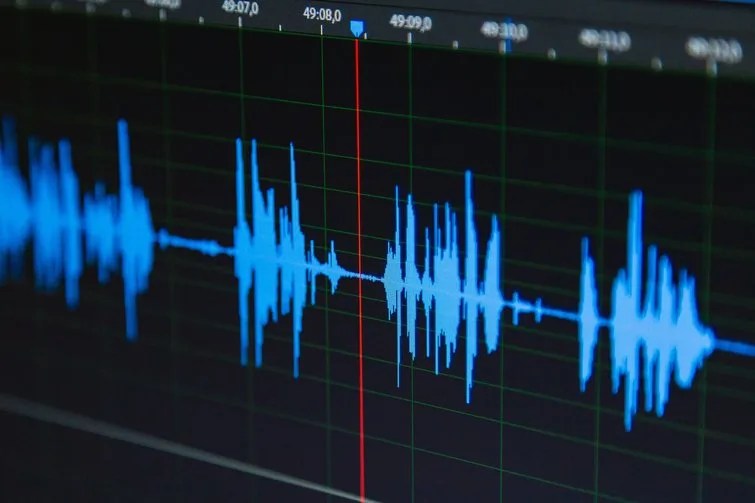
Editors are encouraged to download open-source sound effects libraries or royalty-free musical tracks and dedicate focused sessions entirely to automation. A recommended roadmap begins with basic volume automation on a complex dialogue scene, progressing to panning adjustments for moving subjects, and finally culminating in creative effect automation—such as riding filter cutoffs or reverb tails on sound effects.
This iterative process serves a dual purpose: it builds technical proficiency with DAW automation lanes, and it trains the ear to discern appropriate audio levels in direct conjunction with moving visuals. By experimenting with unconventional effect automation, editors often discover unique sonic nuances that distinguish their projects in a crowded media landscape. Ultimately, the thrill of uncovering these dynamic audio-visual intersections is what cements automation as an indispensable cornerstone of modern professional editing.