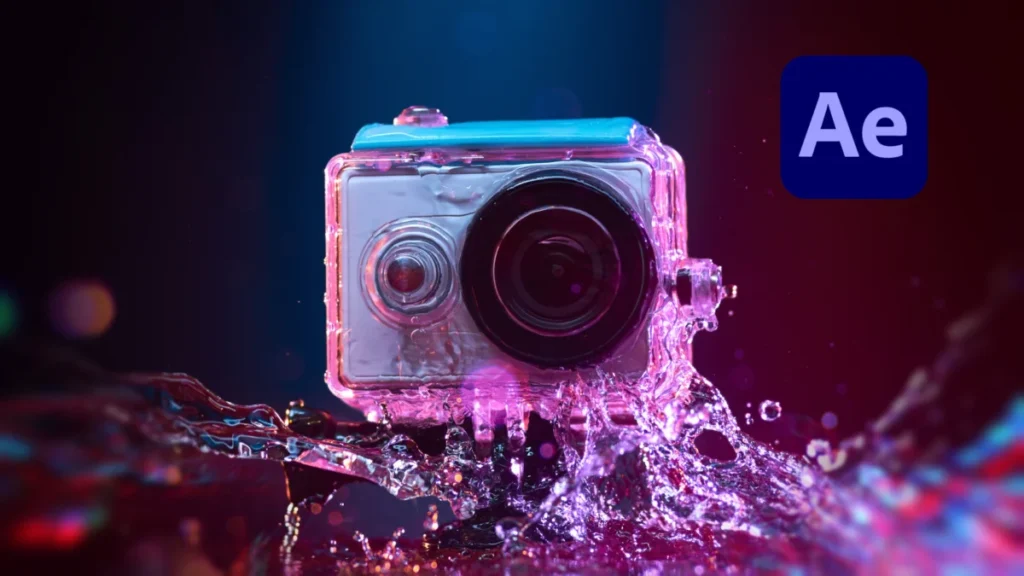

Video professionals and content creators frequently rely on action cameras, drones, and smartphones to capture high-octane, dynamic perspectives that traditional cinema cameras cannot easily reach. However, the hardware limitations inherent in these compact devices often introduce visual artifacts that can compromise overall production quality. Among the most persistent and frustrating of these distortions is video aliasing—a phenomenon that manifests as harsh, stair-stepped jagged edges and distracting flickering along high-contrast lines and fine details.
Addressing this technical hurdle has traditionally required compromise, frequently forcing editors to sacrifice overall image fidelity. Recently, however, advances in post-production workflows and specialized plugins have provided filmmakers with streamlined solutions to correct aliasing without destroying native video detail. By utilizing targeted post-production techniques within Adobe After Effects, editors can significantly enhance the visual integrity of footage captured by compact cameras.
Understanding the Mechanics of Video Aliasing

Aliasing is a visual distortion caused by a sampling error in digital imaging systems. When a camera sensor attempts to record fine details—such as distant foliage, architectural patterns, architectural grids, or the turbulent wake behind a moving boat—that are smaller than the spacing of the sensor’s individual pixels, the system fails to faithfully reconstruct the visual data. Instead of rendering a smooth gradient or a continuous line, the digital sensor interprets the high-frequency information incorrectly, resulting in jagged, pixelated edges.
This technical deficiency is profoundly exacerbated in action cameras, drones, and mobile phones due to the physical constraints of their hardware design. To fit within lightweight, portable chassis, these devices must utilize exceptionally small image sensors. Furthermore, manufacturers frequently apply aggressive in-camera video sharpening algorithms by default to make the heavily compressed footage appear crisp and detailed straight out of the camera. Unfortunately, this artificial sharpening amplifies high-frequency noise and exaggerates contrast boundaries, rendering the underlying aliasing artifacts far more prominent. Combined with heavy lossy video compression codecs, these factors frequently produce footage plagued by shimmering, crawling edges that distract viewers and complicate downstream color grading and visual effects work.
The Evolution of Post-Production Mitigation Strategies
For years, the standard remedy for aliasing in post-production relied on blunt-force solutions. Editors attempting to salvage flickering action footage would typically apply a subtle Gaussian blur across the entire frame. While this technique successfully softens the jagged transitions and dampens high-frequency flicker, it comes at a steep cost. A uniform blur treats every pixel equally, wiping out legitimate fine details, subtle textures, and edge sharpness across the entire composition. Consequently, filmmakers were forced to choose between the distracting distraction of flickering aliasing artifacts and the loss of overall image clarity.
To deploy this legacy method within Adobe After Effects, an editor selects the affected video layer, navigates to the Effects menu, chooses Blur & Sharpen, and applies the Gaussian Blur effect. By adjusting the blurriness parameter to a modest value—typically around 2.0 pixels—the harshness of the edges is mitigated. Nevertheless, the broad application of this tool remains a less-than-ideal compromise for professional productions demanding high fidelity.
A Modern Solution: Utilizing the FXAA Plugin in After Effects
Recognizing the limitations of universal blurring, developers have engineered smarter, algorithm-driven alternatives tailored specifically to digital imaging artifacts. Among the most efficient tools currently available to the post-production community is FXAA (Fast Approximate Anti-Aliasing), a free plugin developed by Plugin Everything for Adobe After Effects.
Unlike traditional Gaussian blurs that affect the entire image indiscriminately, FXAA analyzes the pixel matrix of the video frame using advanced edge-detection algorithms. The plugin identifies high-contrast boundaries and jagged lines, applying a localized smoothing effect strictly to those problematic areas while leaving flat fields and legitimate fine textures untouched. Because the underlying algorithm is computationally lightweight, FXAA renders exceptionally fast, making it an ideal asset for editors managing tight production deadlines and heavy 4K timelines.
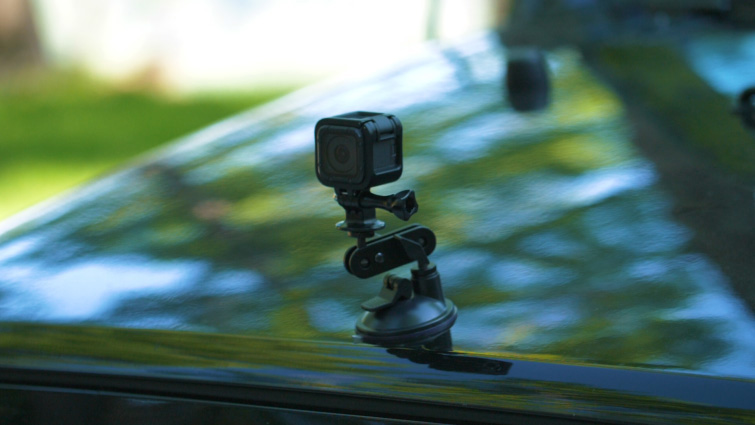
Integrating the plugin into a standard After Effects workflow requires minimal effort. Once the plugin is installed, the editor selects the target footage layer within the active composition, navigates to the Effects panel, selects Plugin Everything, and applies FXAA. The algorithm immediately detects and smooths out stair-stepped artifacts. For particularly stubborn footage shot on ultra-sharp action cameras, editors can even stack multiple instances of the effect on a single layer, progressively subduing severe aliasing without the muddying side effects associated with legacy blurring techniques.
Broader Implications for Content Creators and Action Videography
The ongoing evolution of consumer-grade action cameras highlights a persistent paradox in digital media production: while sensor resolutions and native recording formats continue to increase—with many compact units now shooting in pristine 4K and 5.2K resolutions—the physical optics and micro-sensors remain constrained by miniaturization. As a result, aliasing, moiré patterns, and over-sharpening artifacts will likely remain common challenges for independent filmmakers, extreme sports videographers, and documentary crews.
The accessibility of free, highly specialized post-production tools like FXAA democratizes high-end visual correction, allowing creators operating on modest budgets to achieve professional-grade results. By shifting the burden of aliasing correction from optical constraints to intelligent algorithmic processing in post, editors can maximize the utility of lightweight action cameras. Ultimately, mastering these corrective workflows ensures that dynamic, hard-to-reach perspectives no longer need to be compromised by technical image distortion, paving the way for cleaner, more immersive visual storytelling across all digital platforms.